Food Ingredient Database For Nutrition Labels
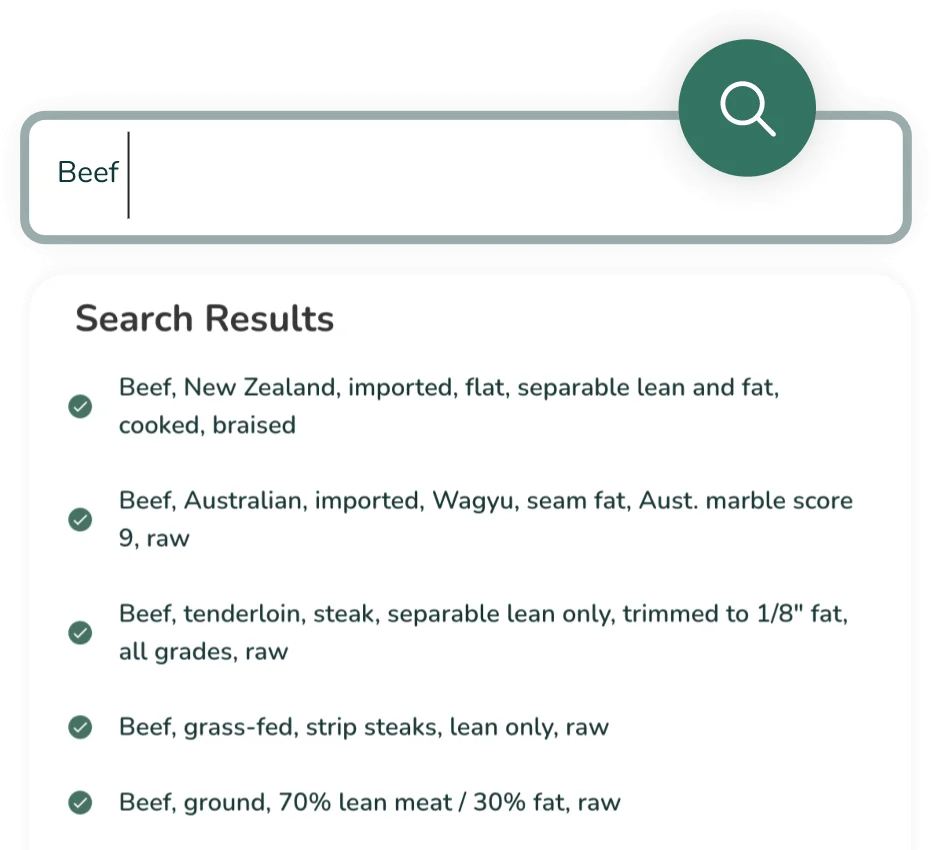
Utilize our ever-growing database, of 500,000+ ingredients, continuously reviewed by our nutritionists and updated according to current market regulations.
Key Benefits of Our Food
Ingredient Database
With over 500,000 expertly curated ingredients, our database is the foundation for fast, accurate, and market-compliant labels.
Comprehensive & Built on
Trusted Data
Access our vast ingredient library, with data sourced directly from the USDA’s FoodData Central. Our database includes information on Foundation Foods, Standard Reference Legacy Foods, the Food and Nutrient Database for Dietary Studies (FNDDS), Experimental Foods, and Branded Foods.
Continuous Updates For
Compliance
Stay compliant with our continuously updated database that reflects current regulations, including market-specific label formats, allergen management, daily value calculations, nutrient rounding & ingredient statement lists for global label formats.
Reviewed By Nutrition Experts
Coupled with our regular quality checks, your input empowers our team of Expert Certified Nutritionists to add curated ingredients based on your needs.
Hire one of our Experts who can offer their expertise across different markets, including the USA, Canada, UK, Mexico, EU, Australia and the Middle East.
Automatic Nutrient Data Updates
Tap into a database that mirrors the ever-changing world of food. It provides up-to-date details on macronutrients, vitamins, minerals, fatty acids, and more, giving you a complete nutritional profile you can trust.
Faster Recipe Creation
Snap into streamlined and efficient recipe creation with our comprehensive database at your fingertips. Create and innovate recipes by swapping ingredients and still having your product be market-compliant in minutes.
Reduces Error and Improves
Accuracy
Manual data management is a thing of the past. Our powerful tool eliminates human error by automatically extracting and inputting data directly from trusted sources. This guarantees your information is always accurate and reliable.
How it Works?
-
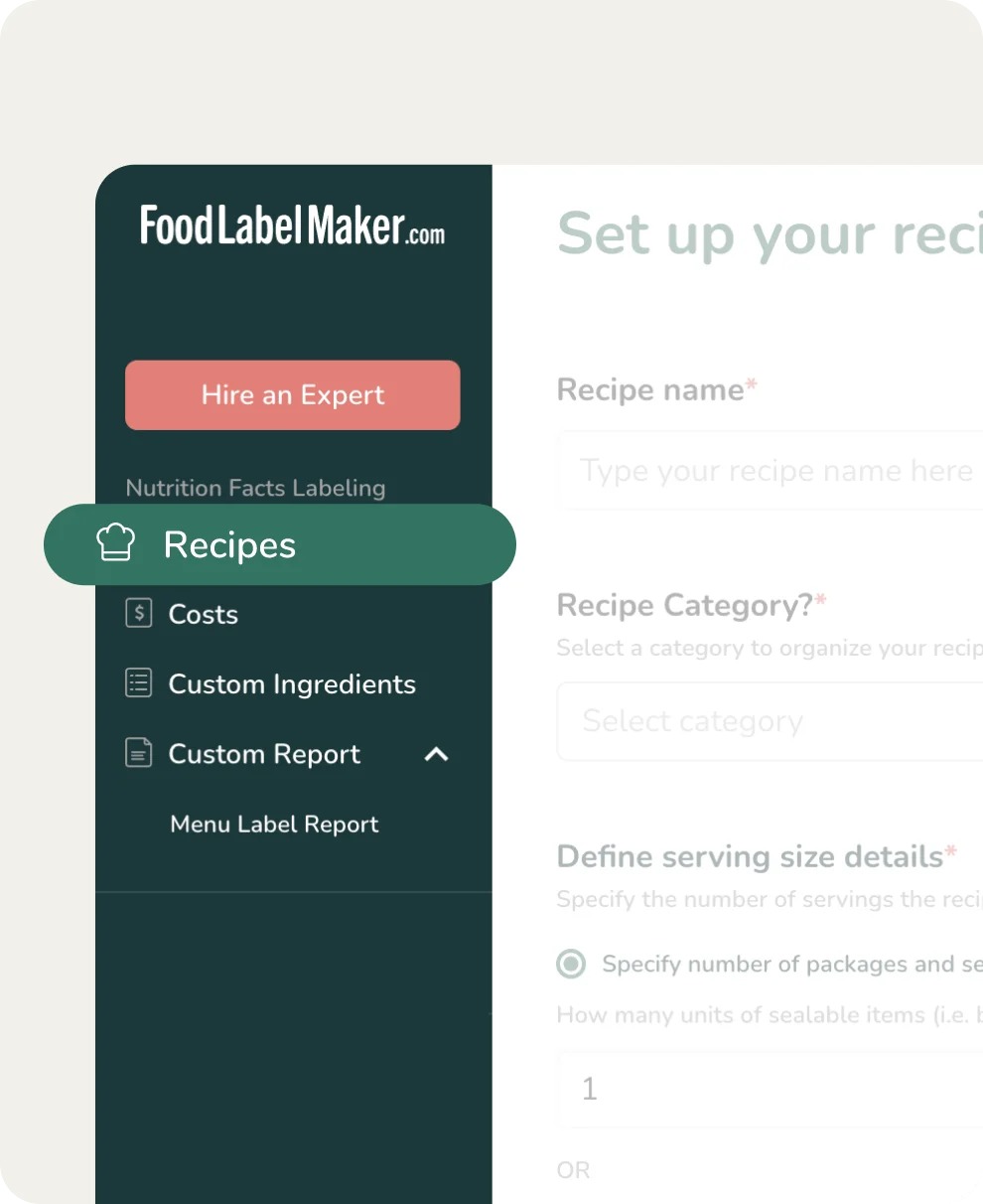
Set Up Your Recipe Or Edit an Existing One
Start by either accessing an existing recipe, or create a new one through the easy-to-use Food Label Maker dashboard.
-
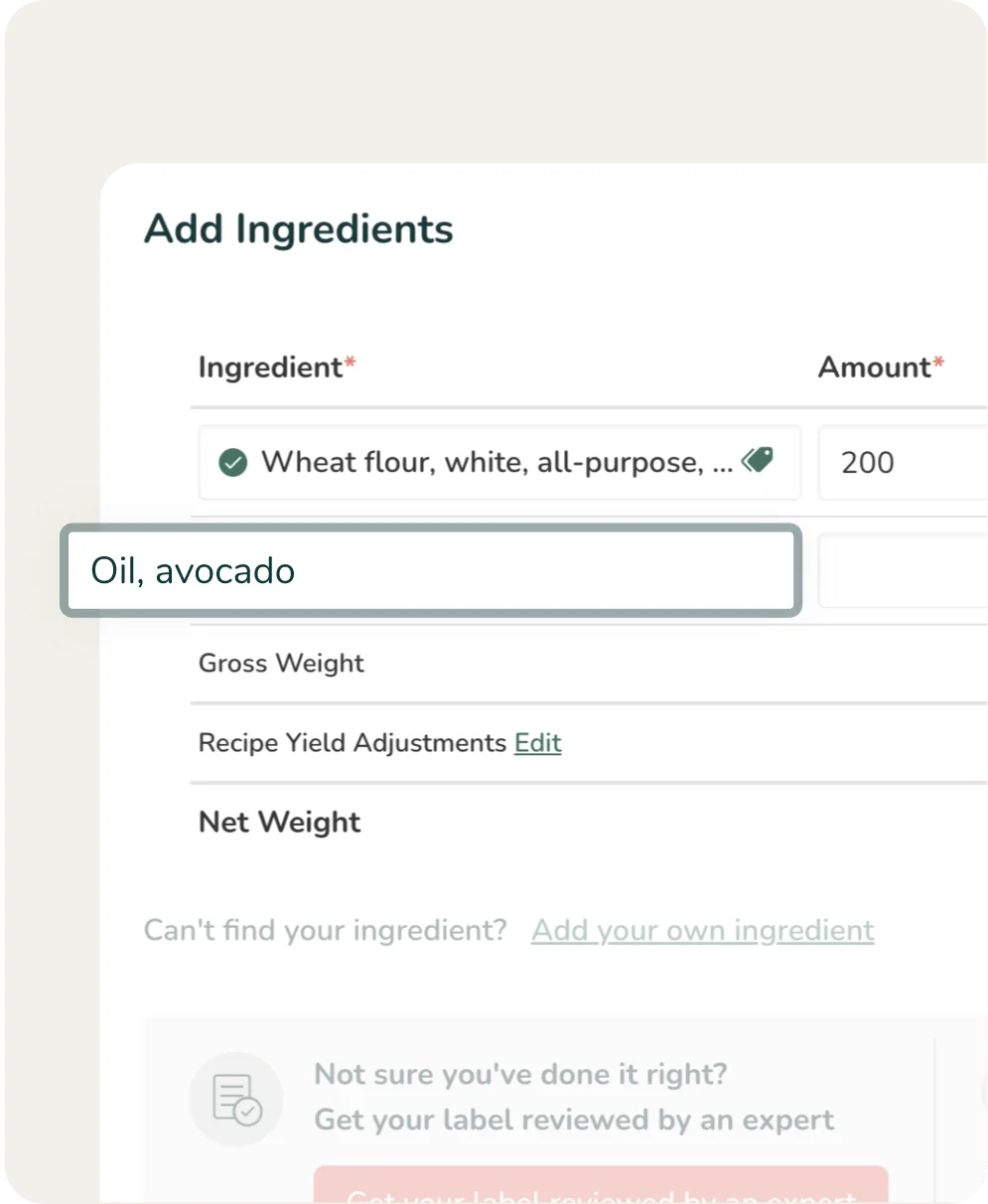
Add Ingredients
Simply type in your ingredient and select your preferred option from the dropdown list. Once you add your ingredient, it will have preloaded nutrition facts. You’ll have access to verified USDA database ingredients, ingredients from verified users, or you can create your own custom ingredients.
-
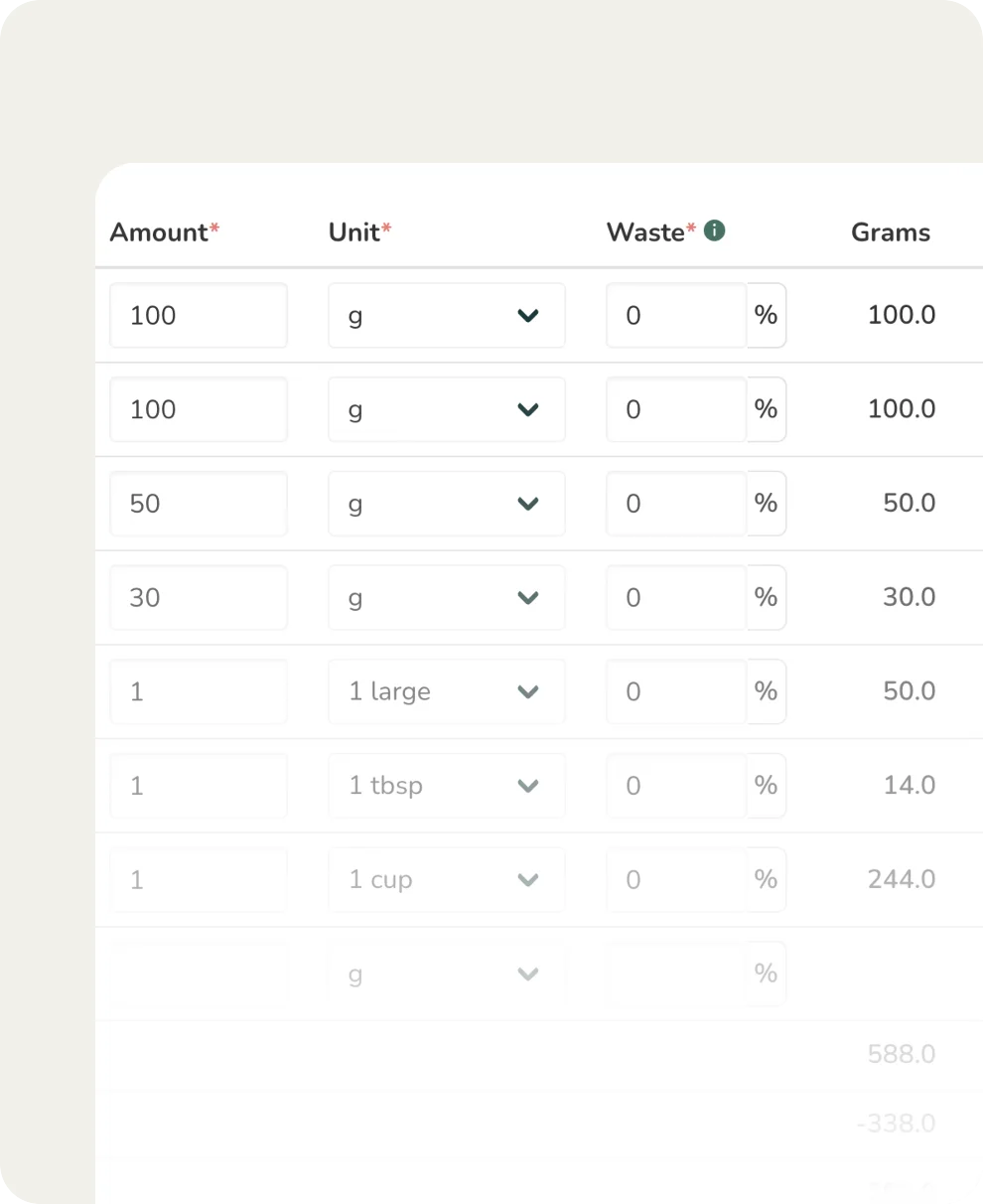
Populate Relevant Quantities
Then, add the numerical amount and its unit by portion, weight or volume. For unit conversions, either use the ingredient’s density or “RIA”, our intuitive AI Bot.
-
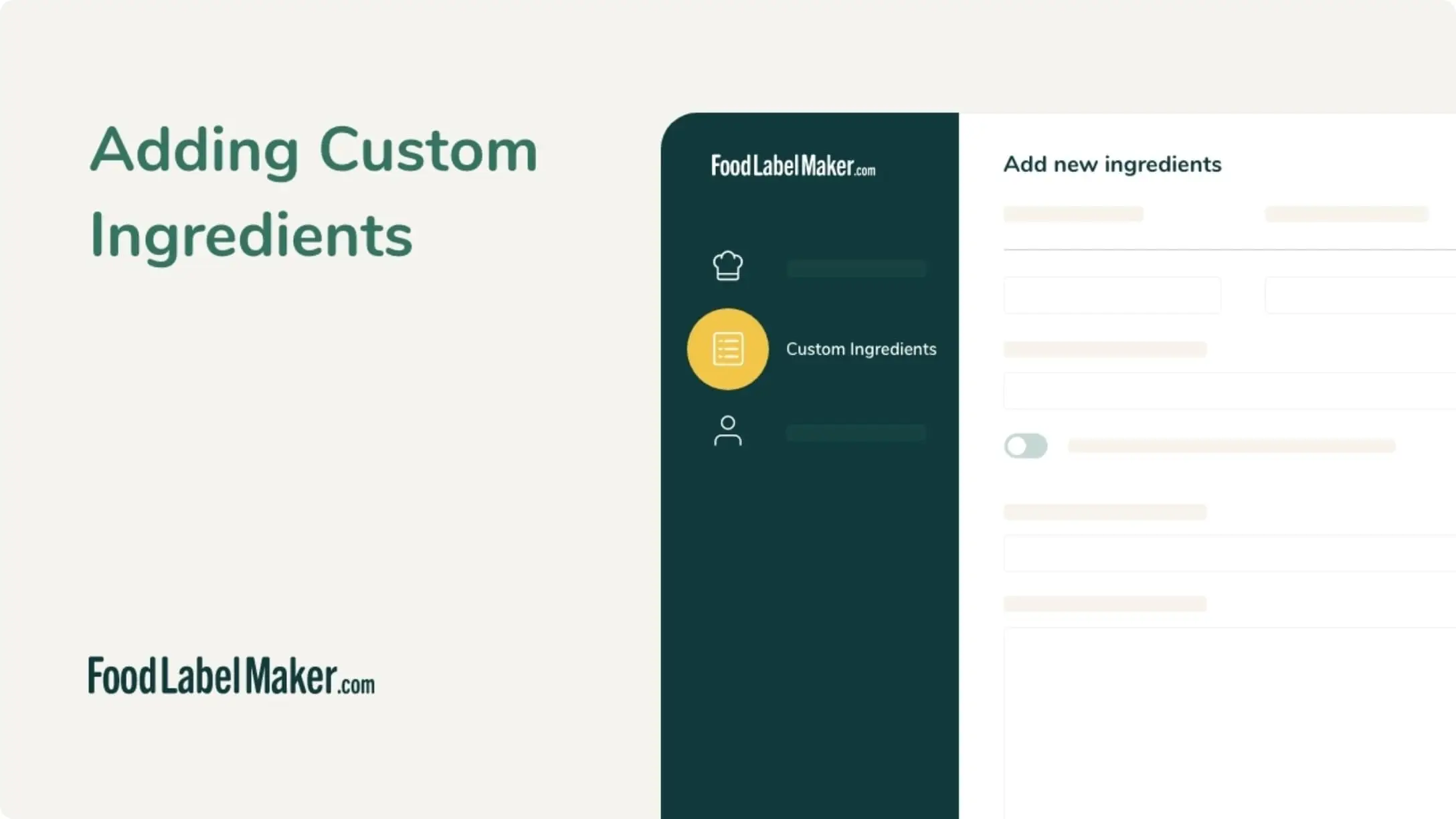
Add Custom Ingredients
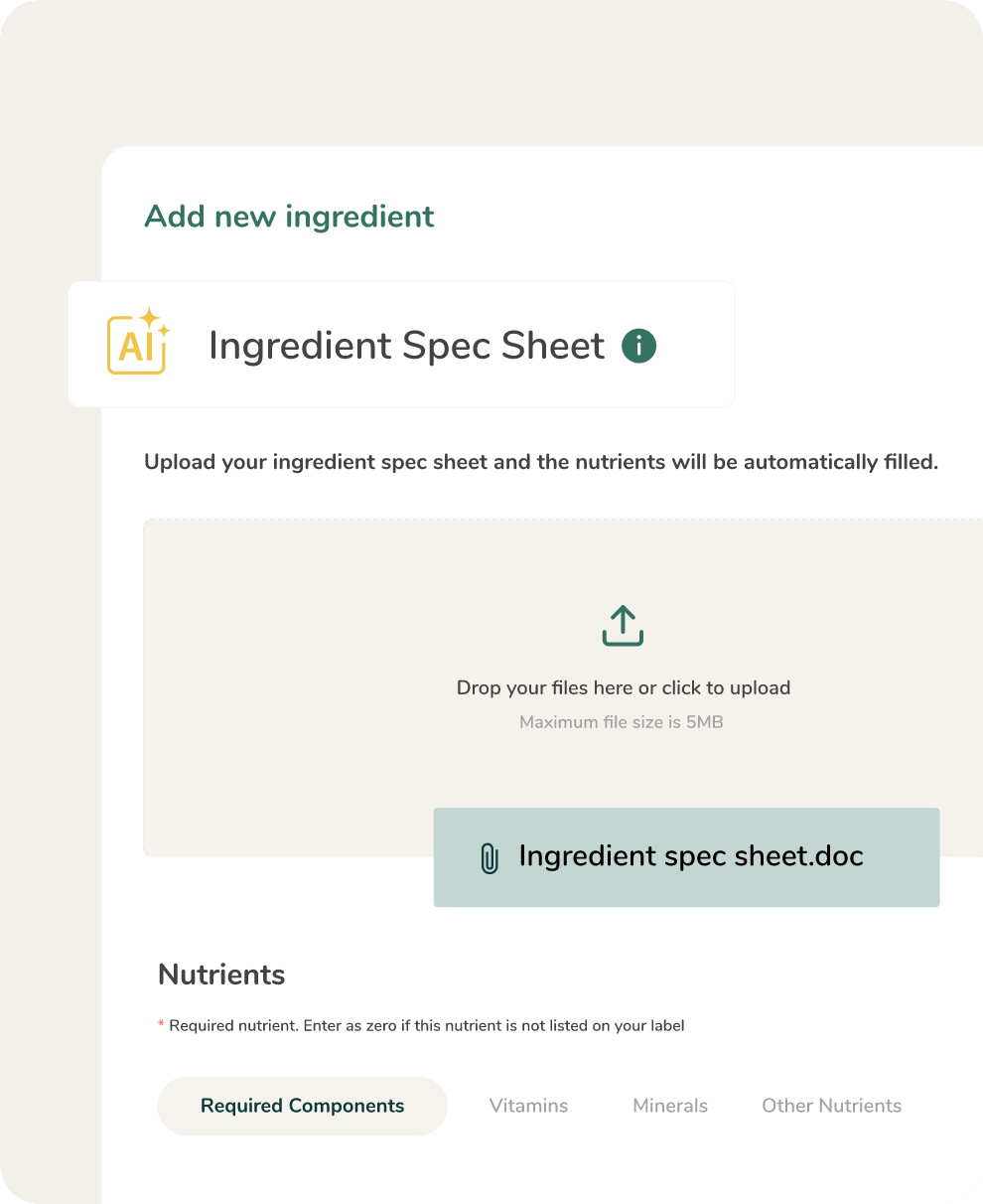
If you can’t find your ingredient, simply create your own. You can manually enter its nutritional information or upload a specification sheet, and our AI assistant will fill in the relevant information.
-
Finish Creating Your Recipe
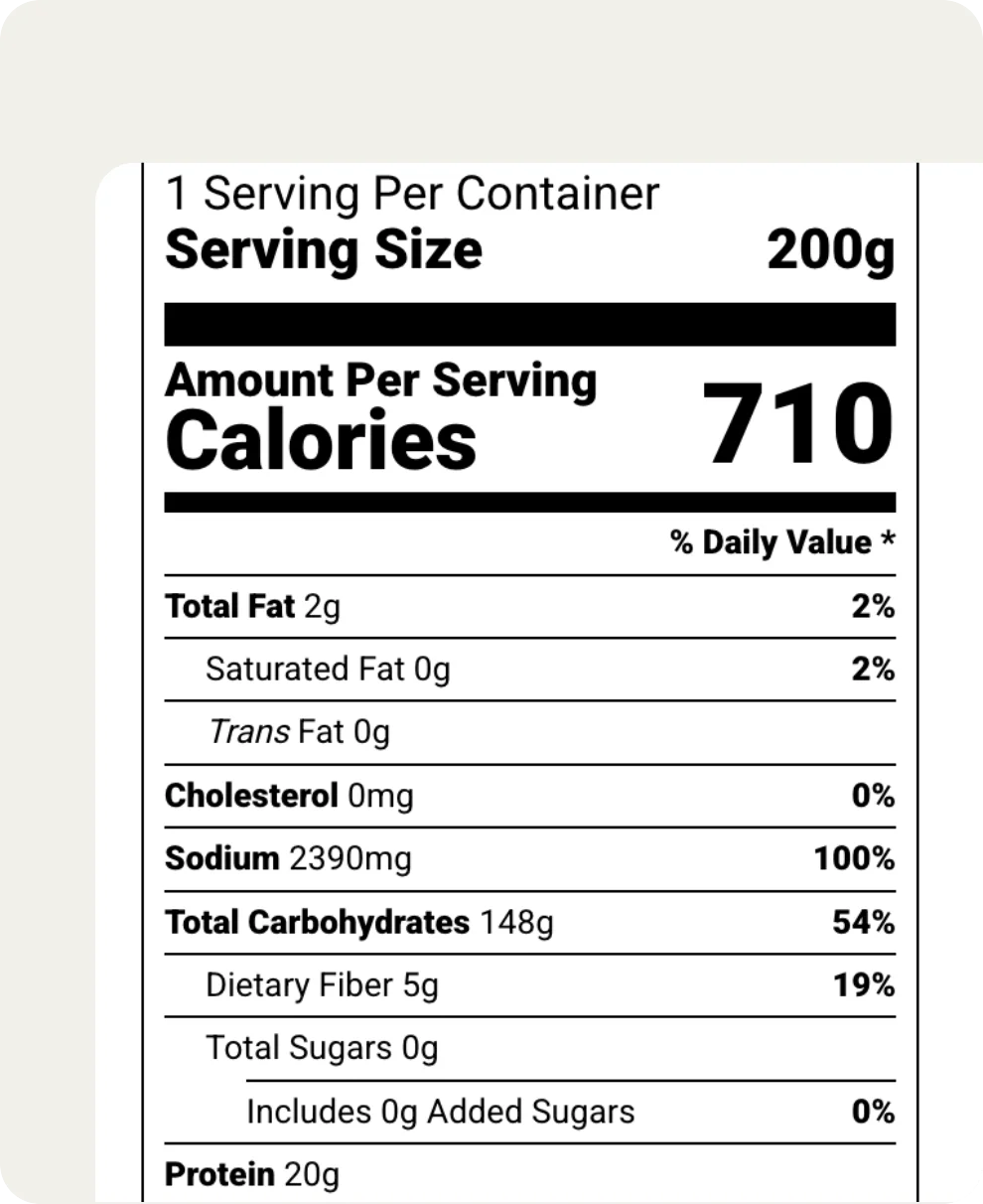
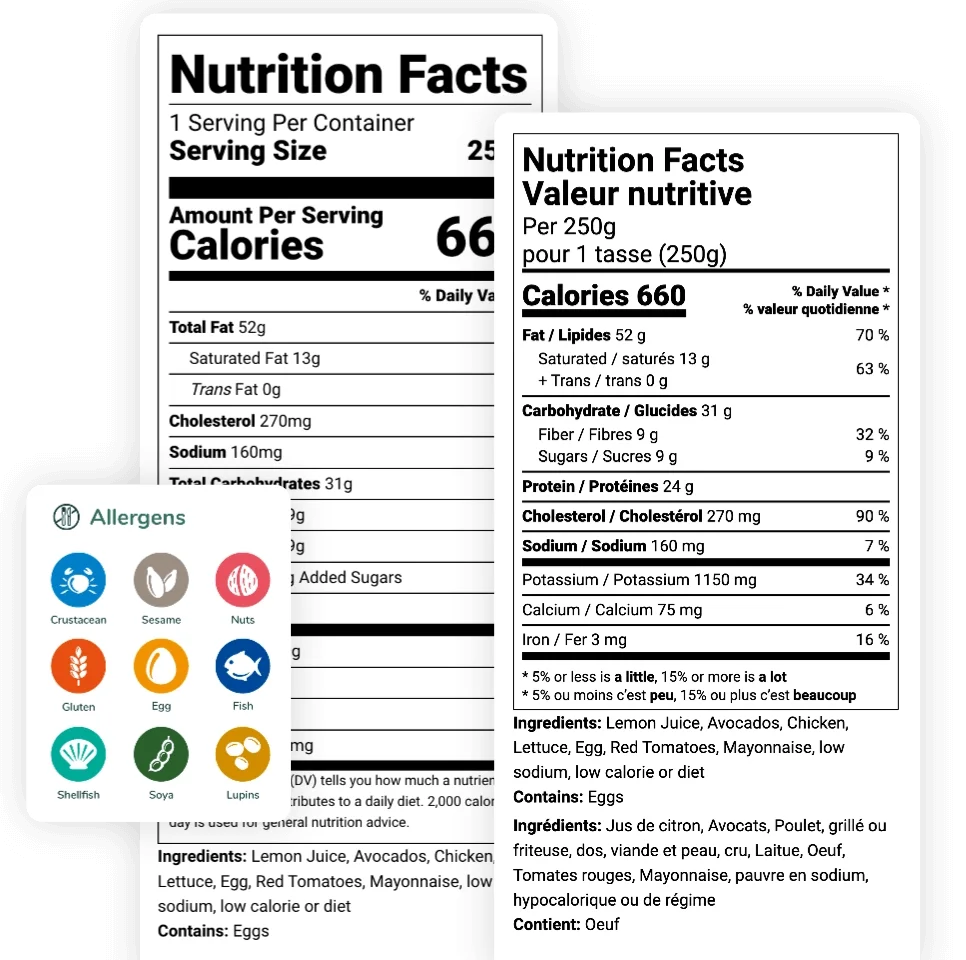
Once your recipe is finalized, our software automatically generates FDA-compliant nutritional labels. Our tool also instantly calculates your total cost and nutritional content, simplifying your recipe management process.
Hear What Our Clients Have to Say
Every food business faces unique challenges, but the need for accurate and compliant labels is universal. Our clients, ranging from ambitious startups to established brands, rely on Food Label Maker’s comprehensive ingredient database for trusted information to build their products with confidence.
See how our database has empowered food brands to streamline their processes and achieve effortless market compliance.


















About Us
Food Label Maker is designed for food businesses that need fast, accurate nutrition labels.
One of our core strengths is a verified and comprehensive database of over 500,000 ingredients, meticulously curated by certified nutritionists. This powerful foundation ensures that you can access accurate nutritional data and create compliant nutrition labels, easily.
Start Creating Your Recipes From a Verified Database
Frequently Asked Questions
About Our Ingredient Database
01
Are the ingredients updated regularly to align with new regulations?
Yes, our comprehensive database of ingredients is pulled directly from the USDA’s FoodData Central, so any update they’ve made, we have too. Our team is constantly reviewing and quality checking our tool to make sure all ingredients are always current and fully compliant with the latest regulatory standards.
If you need more guidance on nutrition labeling, our Hire an Expert service gives you access to our team of Certified Nutritionists. They can check whether all your labels are compliant across all markets, including the USA, Canada, UK, Mexico, EU, Australia, and the Middle East.
02
What do I do if I can’t find an ingredient on the tool?
You can create your own! In your Recipe Builder section, you’ll find the option to Add a new ingredient, where you can either upload your spec sheet, and have our AI assistant fill in the information for you, or you can manually add the nutritional data.
If you need any help, at any step, you can reach out to our Team of Experts and they’ll jump in to support you – our Plans also includes 24/7 Live Chat Support.
03
How many ingredients can I add to my recipe?
As many as you’d like – and you have Unlimited Secure Cloud Storage, so you can have guaranteed access to your recipes from any device, at any time.
Sign up for our tool to access the vast library of ingredients and start creating market-compliant labels today.