
Supplement Facts
Compliance Platform
for Manufacturers &
Co-Packers
Manage supplement formulas, build proprietary blends, and generate FDA-compliant Supplement Facts labels.
Built for teams managing multiple SKUs across several accounts.
Industry-Leading Software



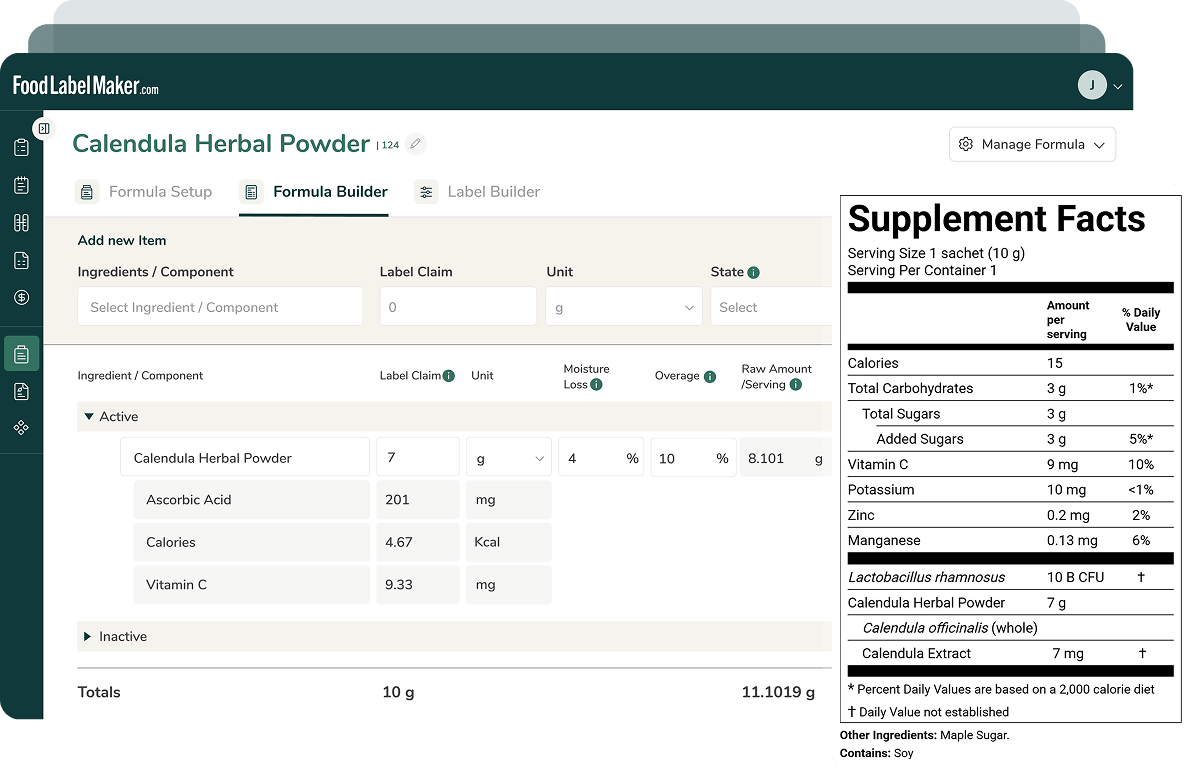
Supplement Formulation & Label Compliance, Managed End to End on One Platform
Build Complex Formulas in One Unified System
Build supplement formulas from raw ingredients, components, and proprietary blends inside one platform.
Add, group, and calculate every formula component without switching tools, so manufacturers and co-packers manage complex, multi-ingredient formulas from a single system.
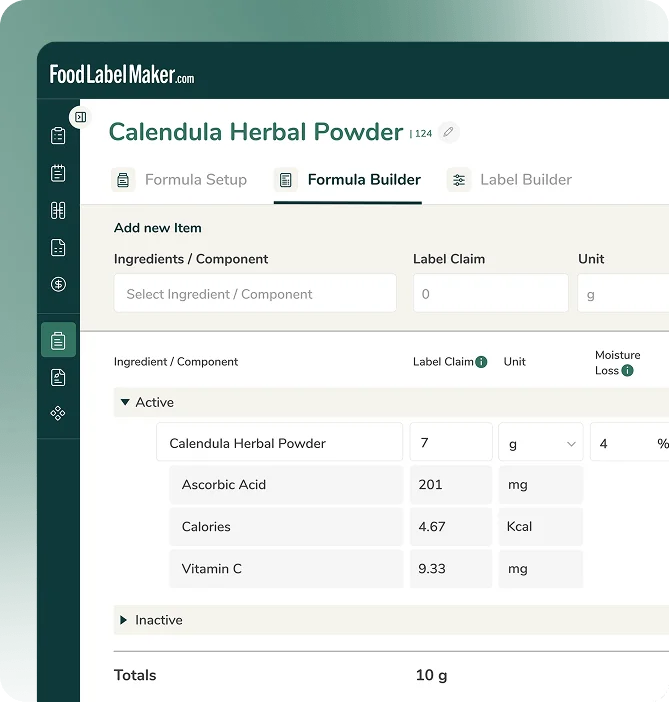
Automated Allergen Detection & Disclosure
Every formula is automatically scanned against the ingredient database to flag allergen disclosures before label generation.
Any formula change updates allergen declarations and ingredient statements instantly, with no manual review required.
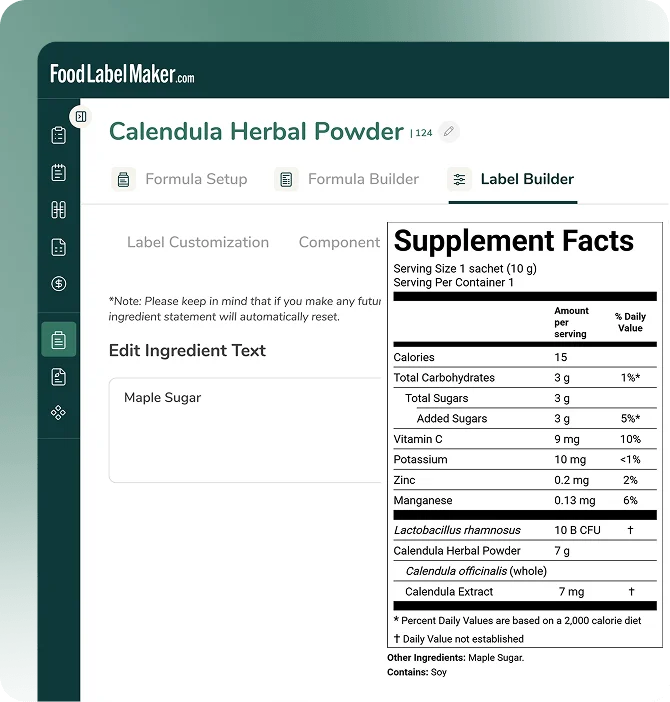
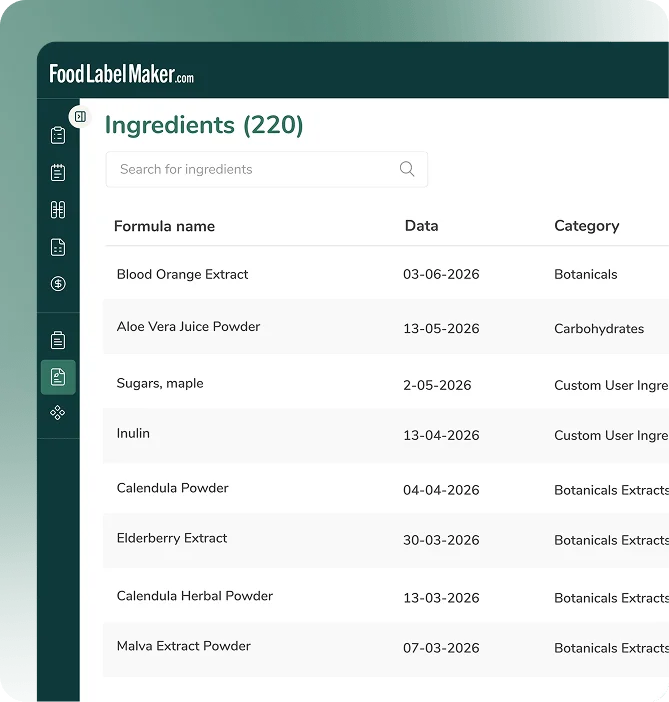
Centralized Ingredient & Formula Database
Store every formula in one centralized database with access to a library of expert-verified ingredients and components.
Build multiple supplement SKUs from the same ingredient foundation, keeping formulations consistent and easy to manage at scale.
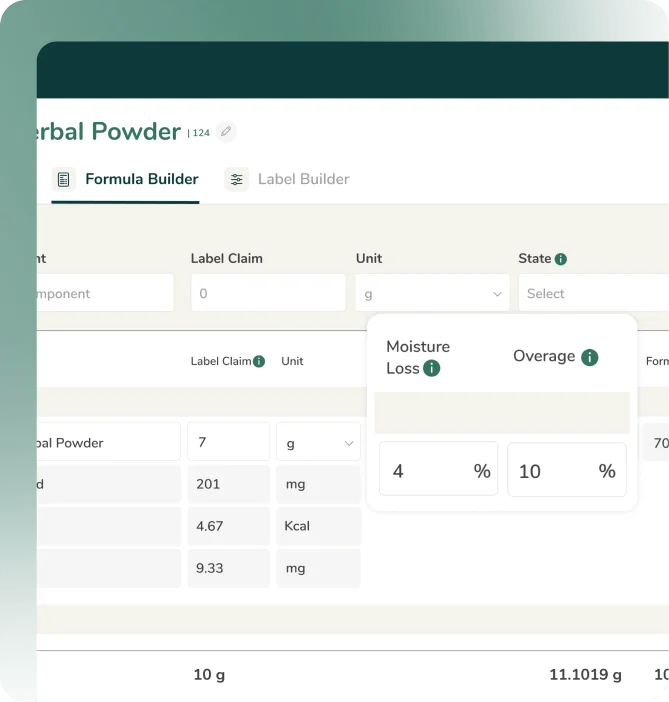
Moisture Loss & Overage Adjustments
Inaccurate label values due to moisture loss or overage are among the most common FDA citations for supplements.
These adjustments are automated so every panel reflects the actual finished product, not raw formula inputs.
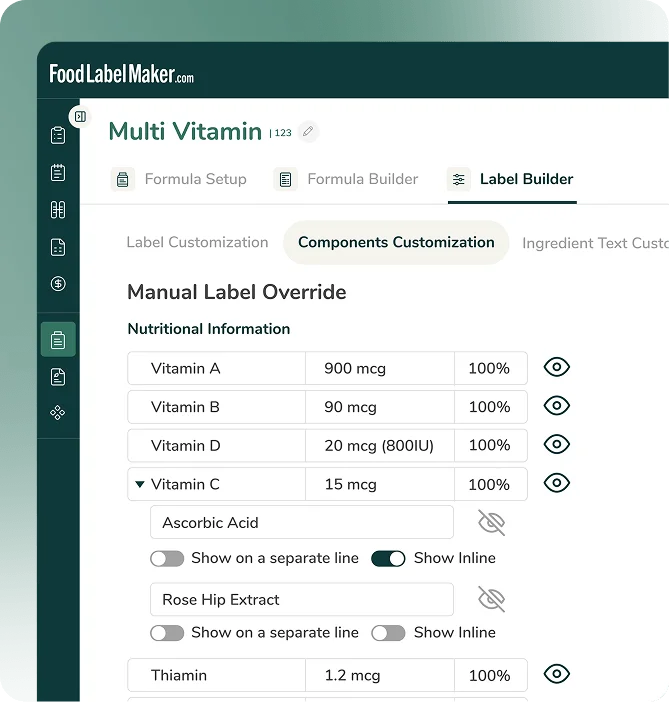
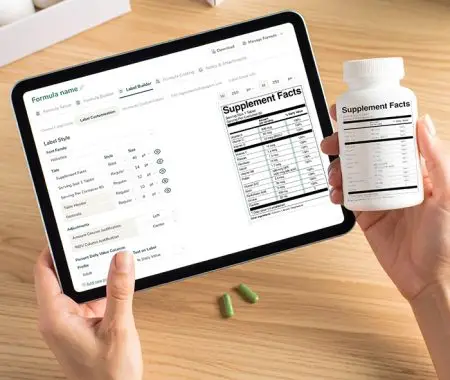
Label Panel Customization & Compliance Controls
Control which nutrients appear on the Supplement Facts panel, hide optional components, and document regulatory rationale — all while FDA formatting requirements are applied automatically to every label.
Who Is The Supplement Facts Compliance Platform Tailored To?
-
Supplements Manufacturers

Managing formulas, ingredient specs, and labels across a growing SKU catalog means a single ingredient change or regulatory update can cascade across dozens of products.
Food Label Maker centralizes the entire portfolio with version-controlled formulas, automated regulatory updates, and bulk label management from one system.

-
Contract Manufacturers & Co-Packers

Multi-client operations require strict data separation between brands while maintaining a unified workflow for the production team.
Food Label Maker supports multi-client formula and label management with isolated brand workspaces, eliminating the risk of cross-contamination between accounts.

-
Regulatory Affairs, R&D & QA Teams

When an auditor or retailer asks how a label value was derived, the answer needs to be available in minutes.
Food Label Maker maintains a full audit trail from raw ingredient data through formula calculations to the final panel with every change logged with timestamps and user attribution.




How to Create FDA-Compliant Supplement Facts Labels
1
Set Up Your Ingredient Database
Import your ingredient specs, supplier data, and nutritional profiles. Food Label Maker maintains a centralized ingredient library that every formula draws from so when a spec changes, it flows through to every affected product.
2
Build and Manage Formulas
Create supplement formulas with full control over active ingredients, excipients, overages, and moisture adjustments. Save a complete history of every formula revision - what changed, when, and which user made the update.
3
Generate Compliant Labels
Food Label Maker calculates %DVs, validates allergen disclosures, and generates FDA-compliant Supplement Facts panels automatically. No manual calculations, no formatting guesswork.
4
Review, Approve, and Export
Unlock a smoother internal review process with export print-ready files, compliance documentation packages, or data for integration with packaging workflows. Every output is tied back to the formula and ingredient data that produced it.
What Supplements Manufacturers
Say About Food Label Maker
Practical Compliance Guides &
Supplement Labeling Tips

Nutrition Labeling & Supplement Facts Labeling in One Platform
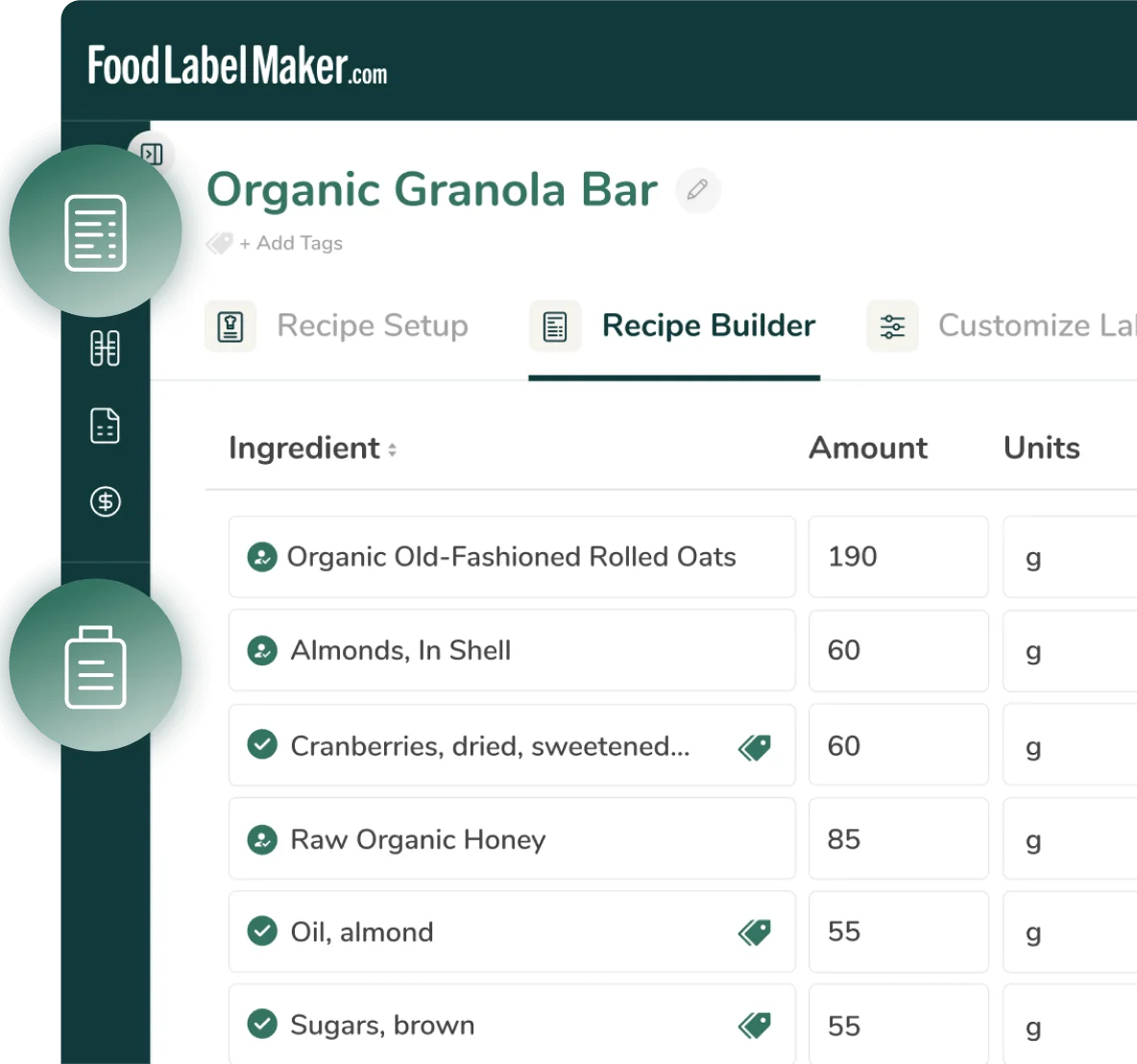
Food Label Maker’s nutrition labeling and supplement facts labeling modules run on a shared ingredient database and compliance engine.
Ingredients, formulas, and nutritional data created in the nutrition module can be copied directly into the supplements module — no re-entry, no data mismatch. Teams working across both food and supplement product lines operate from a single source of truth, with consistent allergen tracking, regulatory updates, and audit trails across every label type.
Frequently Asked Questions About Supplement Facts Labeling Compliance Platform
01
How does Food Label Maker handle multi-user team access?
The platform supports multiple users with role-based permissions. Team members can collaborate on formulas and labels with full visibility into who changed what and when.
Book a Demo to get started on your supplements facts label today.
02
Can food manufacturers manage multiple brands or clients in one account?
Yes. Co-packers and multi-brand manufacturers can organize formulas, ingredients, and labels by client or brand — with data separation between accounts and consolidated management for your team.
Ready to get started? Book a Demo to see how Food Label Maker’s supplement fact generator can help you.
03
What export formats do you support?
The platform exports print-ready label files, PDF documentation packages, and structured data for integration with packaging and ERP systems.
Book a Demo to get started.
04
Is Food Label Maker compliant with current FDA supplement labeling requirements?
Yes. The platform reflects current FDA requirements for Supplement Facts panels, including updated Daily Values, formatting rules, and allergen disclosure requirements. Regulatory updates are applied to the platform as they take effect.
Need more information on the Food Label Maker supplements facts compliance platform? Book a Demo to learn more.
05
How does Food Label Maker help me stay compliant with changing FDA & global food labeling regulations?
Our software has built-in regulatory features that are continuously monitored and updated to reflect real-time standards. So when regulations change—whether it’s a new allergen declaration, a mandatory Front-of-Pack (FOP) warning, or an updated Daily Value—we push these updates directly to the platform to reflect on your labels.
This means your Supplement Facts and nutrition labels are automatically adjusted to meet the latest legal formats without you needing to manually track complex government policy changes.
Stay ahead of regulatory changes and prevent production errors. Book a Demo today.
06
Are there different types of supplement facts labels?
While the core “Supplement Facts” format is consistent, there are variations based on the product and regulatory requirements. These include:
- Proprietary Blends: The panel must list the total weight of the blend and the names of all ingredients within it, but is not required to disclose the exact amount of each individual ingredient.
- Single-Ingredient Supplements (Vitamins/Minerals): These panels prominently list the required nutrients (like Vitamin D, Calcium, Iron, and Potassium) and the precise amount and % DV for only that ingredient.
- Amino Acids/Protein: For products containing amino acids, the label is structured to clearly list the amount of each amino acid, though only protein has an established %DV.
- Aggregate Labels: For products containing multiple packets (e.g., morning and evening doses), the label can list each packet’s information in separate columns or use an aggregate format.
- Small Packages: Supplement labels for smaller packages with less than 12 square inches of surface area can use a smaller type size (no smaller than 4.5 point) or present the information in a linear (string) fashion instead of the standard tabular format.
Whether creating a nutrition facts label or supplement facts label, ensure that it is adjusted for different international markets, as the requirements set by the U.S. FDA differ from other global standards.
Our software is designed to accommodate these needs, allowing you to generate and customize labels that follow global label formats and compliance requirements. Book a Demo today.
07
Can I customize formulas and ingredients based on my product needs?
Absolutely. You can create custom ingredients, adjust nutrient overages, manage moisture loss, and tailor your formula setup for different use cases — giving you full control over what goes into your label.
Gain full control over your packaging labels and product formulation. Book a Demo to access our tool’s customization and design options for your supplement label.
08
Can I show or hide specific nutrients and customize the label layout?
Yes, our customizable label builder allows you to show/hide nutrients, format the ingredient list, and manually override sections of the label to meet specific market needs.
Book a Demo to see the powerful design controls in action.
09
What’s the difference between supplement facts label generators and nutrition label generators?
While supplement facts labels and nutrition labels share a similar layout, they serve distinct regulatory purposes:
- A supplement facts label generator is designed specifically for dietary supplement ingredients (vitamins, minerals, herbs, amino acids). It provides the unique flexibility required for supplements, such as listing ingredients that do not have established Daily Values or grouping proprietary blends.
- A nutrition label generator is built solely for conventional foods and beverages. It focuses on clearly and accurately displaying and standardizing mandatory nutrients (like fats, sugars, and protein) to meet food safety standards for general consumption.
Use our Food Nutrition Labeling software to create compliant food labels or book a demo to determine if our supplement facts software is the right compliance tool for your specific product line.
10
What is a supplement facts label?
A Supplement Facts label is the standardized panel mandatory on all dietary supplement products regulated by the FDA.
Much like a Nutrition Facts label on food, it provides a detailed breakdown of active ingredients, nutrients, serving sizes, and Percent Daily Value (%DV).
Its purpose is to give consumers full transparency about what they are consuming while ensuring the product meets strict regulatory compliance standards.
Ready to create your very own supplement facts label? Book a Demo to learn how our software can help.
11
How do you make a supplement facts label?
To create a compliant and accurate Supplement Facts label, you must follow three critical stages:
1. Gather Ingredient and Nutritional Data
- Compile a list of the exact quantity and composition for every ingredient in your supplement blend.
- Ensure that your ingredient data is accurate and validated, either from reliable laboratory testing or a high-quality nutritional database. This precise data is essential for calculating core values like calories and Daily Values (DV).
2. Format and Design Your Supplement Facts Label
- Populate a Supplement Facts label template with relevant information, including the product title, serving size, calories, and all dietary ingredients with their quantities.
- Ensure that font, style, size, and calculations are correct according to the latest FDA guidelines.
- If your packaging is small or large, ensure you redesign your label accordingly to meet space requirements while remaining compliant.
- Alternatively, use a supplement facts generator or specialized software to automatically handle complex rounding rules, formatting, and data population for you.
3. Validate FDA Compliance
- Review the final label to confirm all mandatory information is present, including the manufacturer’s name and place of business, and all required nutrients (like Vitamin D, Calcium, Iron, and Potassium) and their accurate %DV.
- Like compliance checks for nutrition labels, ensure that all nutritional and ingredient data strictly adhere to FDA regulations and established rounding rules to ensure the label is compliant and accurate.
Our software streamlines this process, making the creation and compliance process of label creation quick and easy.
Book a Demo to generate your supplement label today.