Easy and Compliant Nutrition Label Software
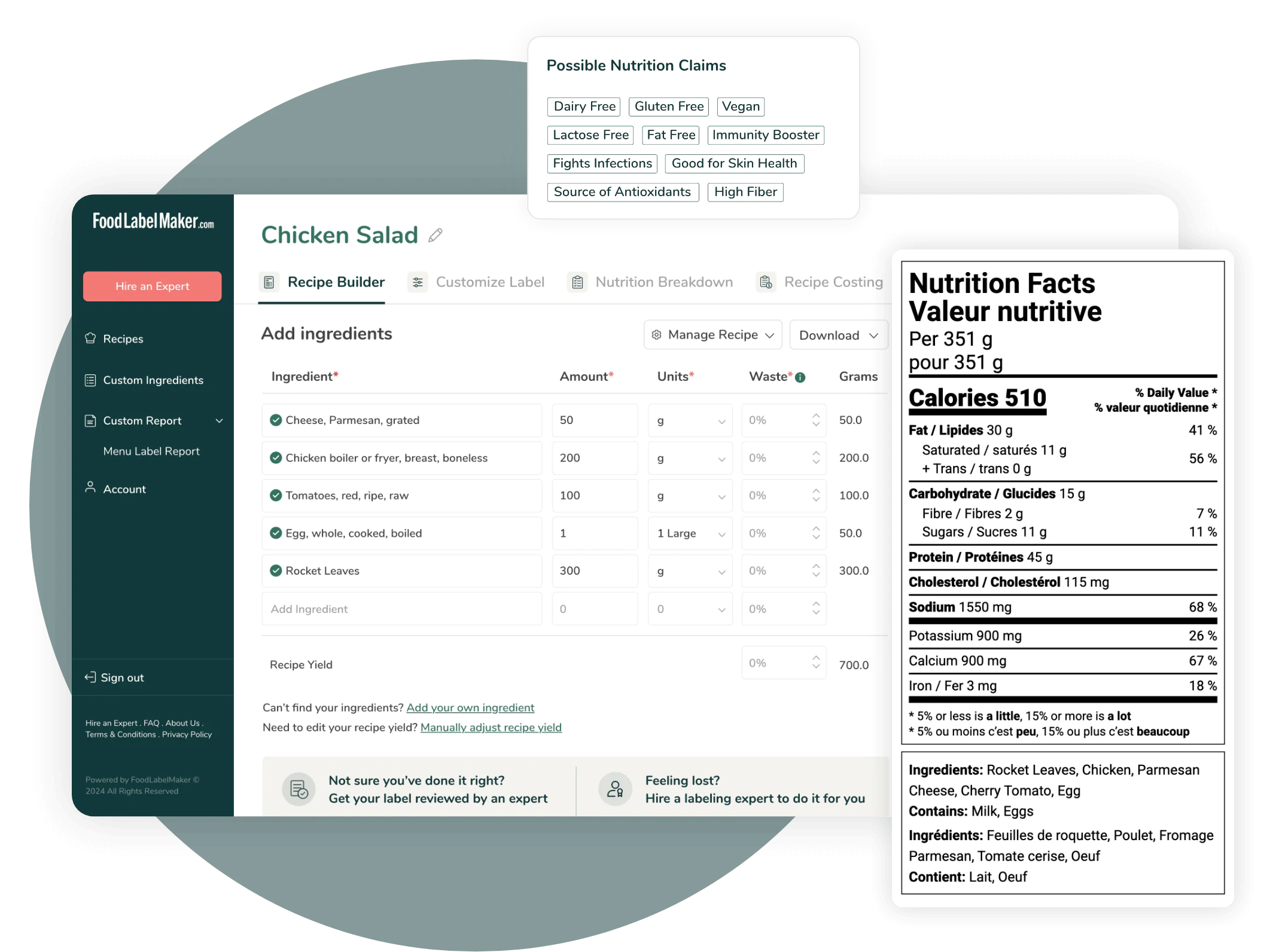
Developed by certified nutritionists, Food Label Maker provides user-friendly software that generates 100% regulatory-compliant nutrition facts labels.
We offer:
- Accurate nutrition analysis
- Customizable label formats and features
- Comprehensive menu and recipe management
- World-class customer support
Our Features
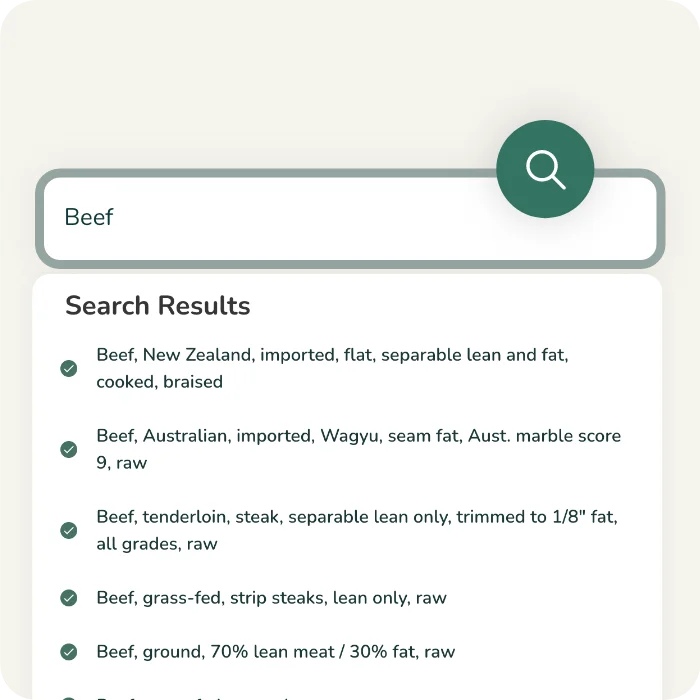
Verified Ingredient Database
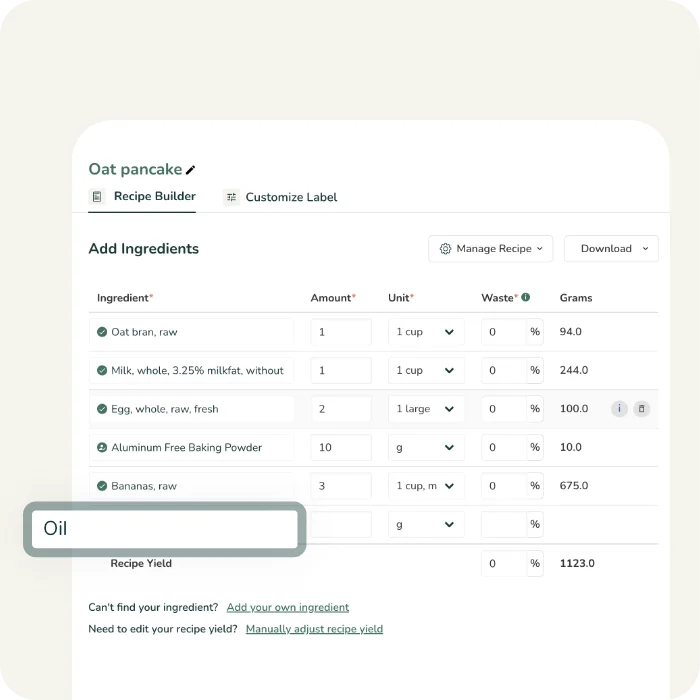
Simple Recipe Builder
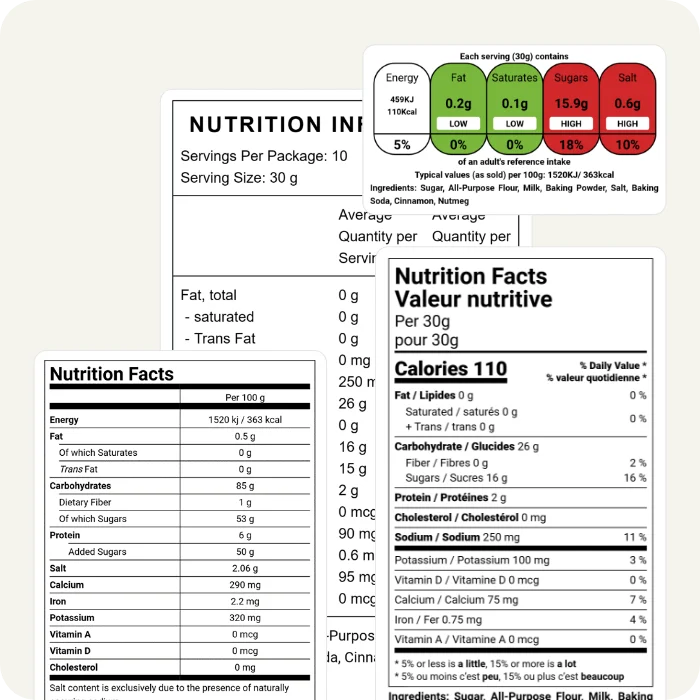
Market-Compliant Labels
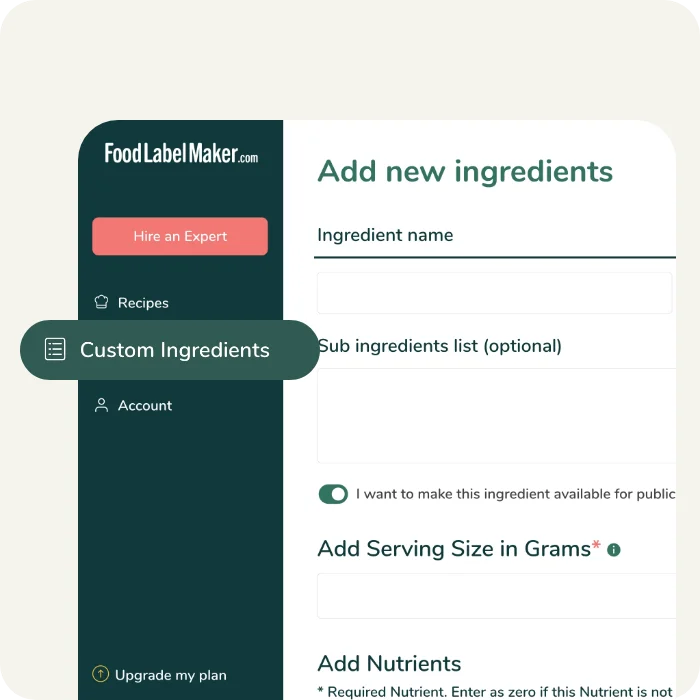
Add Custom Ingredients
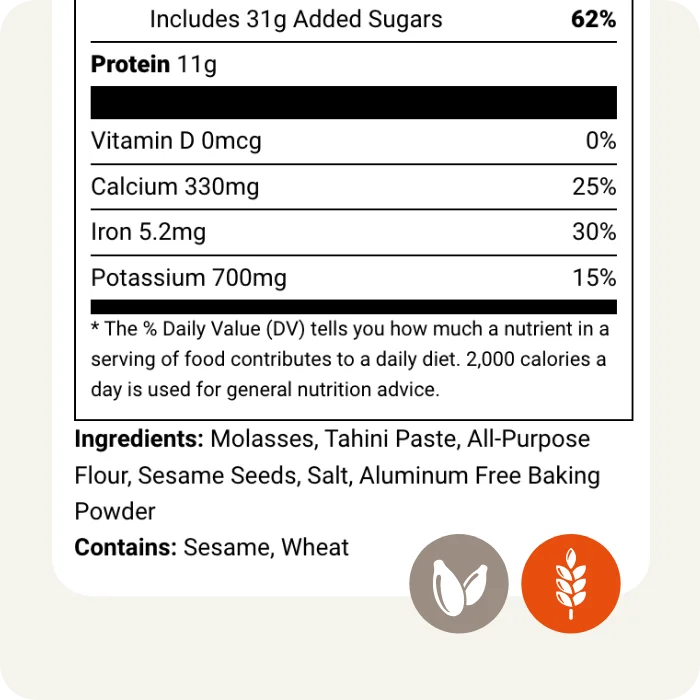
Automated Allergen Detection
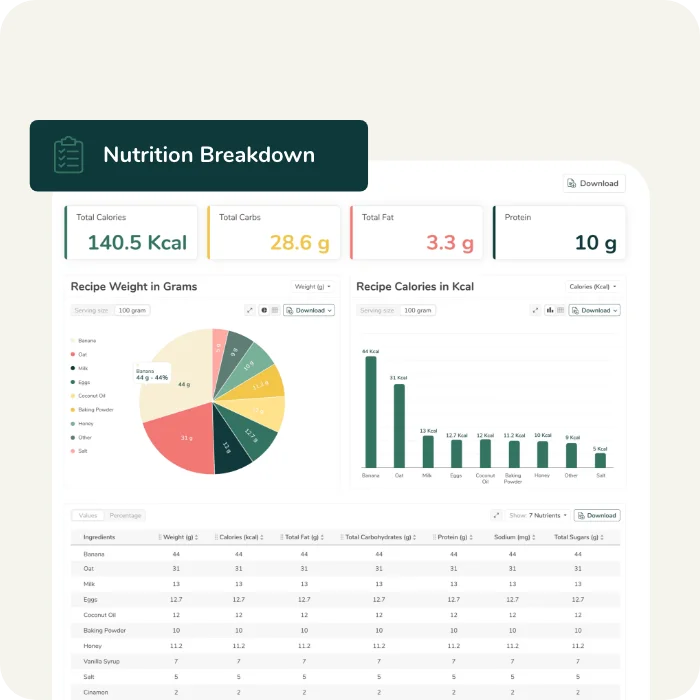
Detailed Nutrition Breakdown
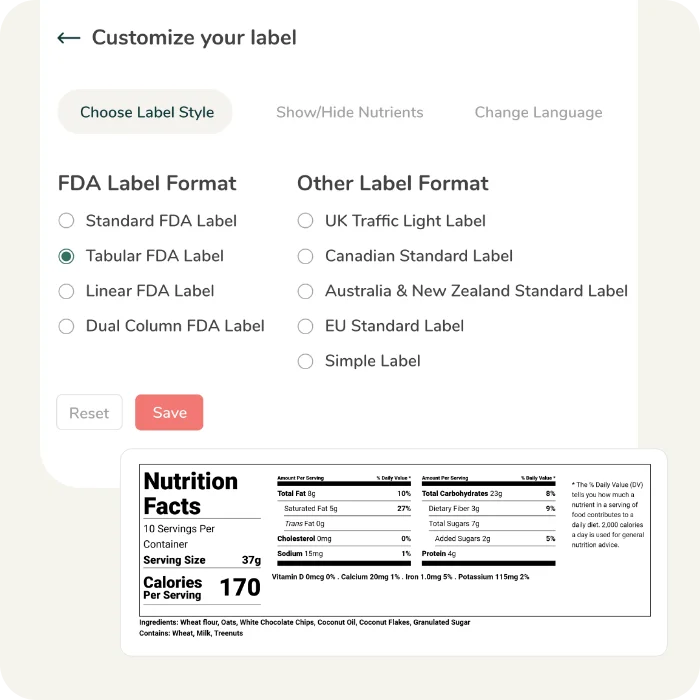
Multiple Label Styles & Formats
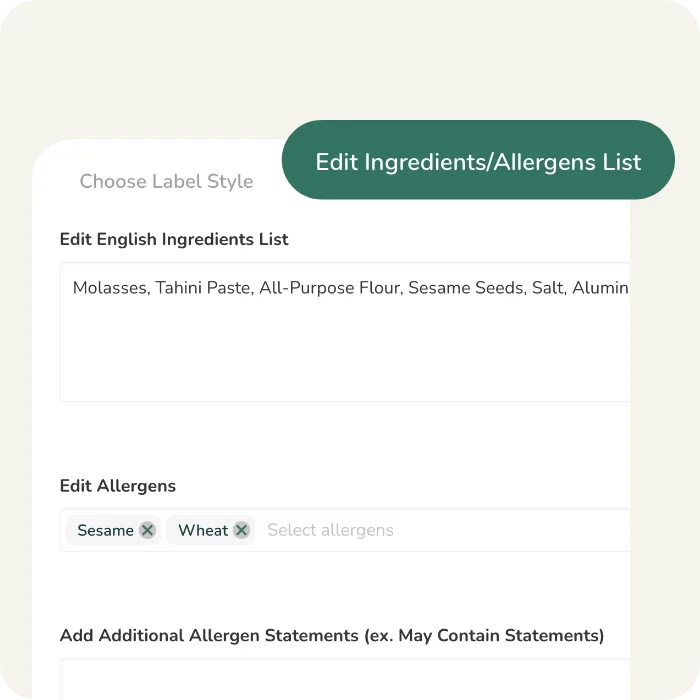
Editable Ingredient statement
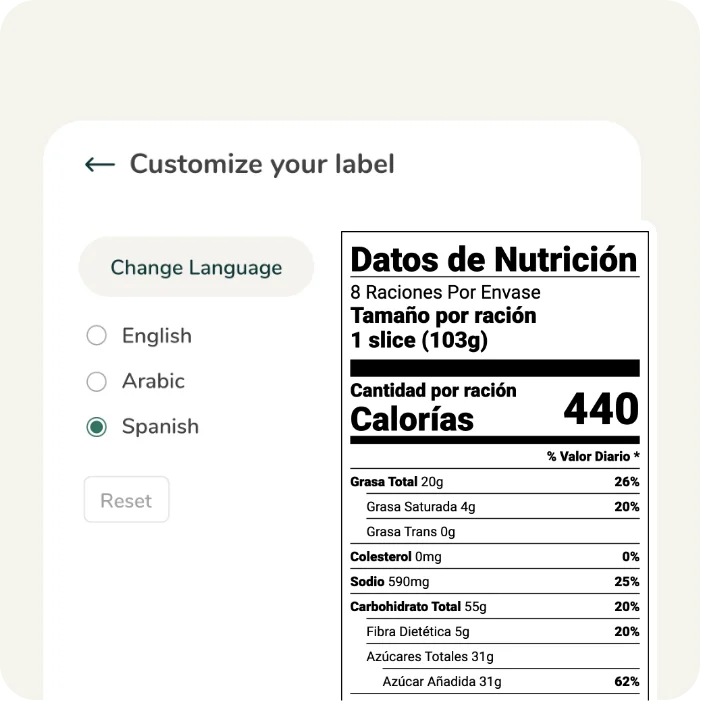
Built-In Language Translation
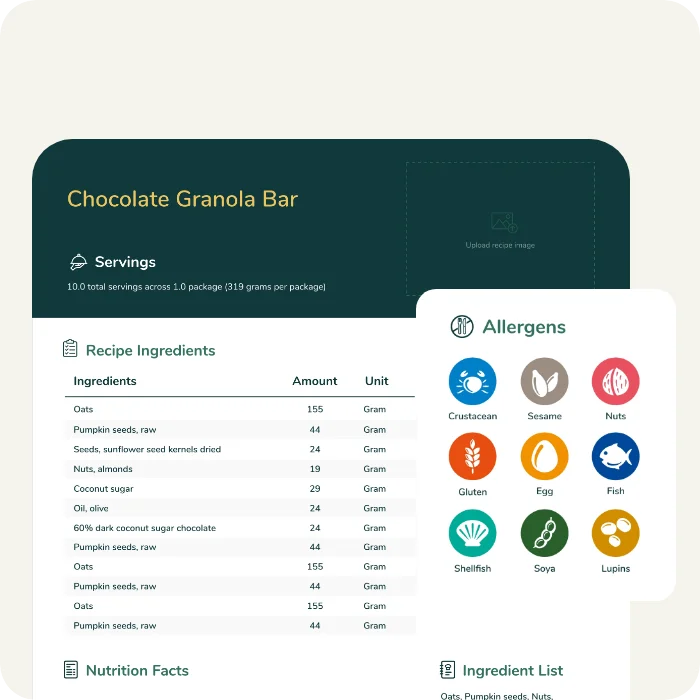
Comprehensive Recipe Cards
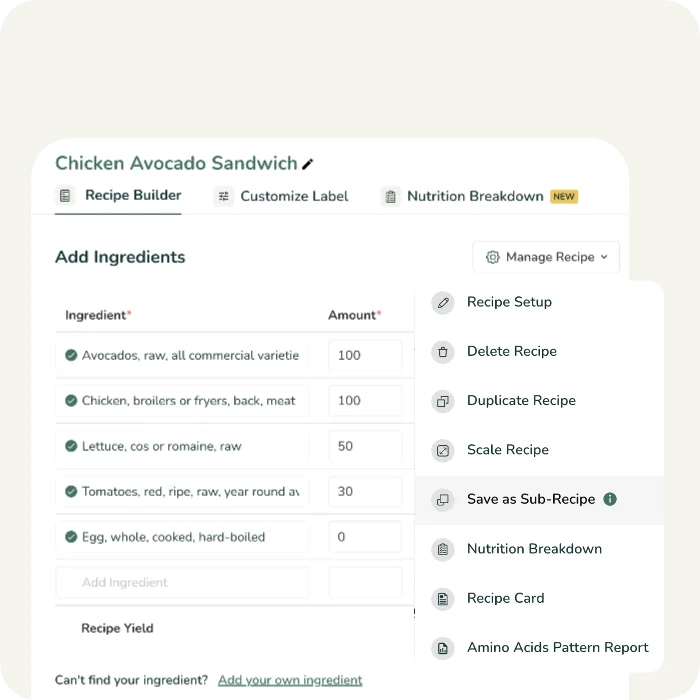
Sub-Recipe Builder
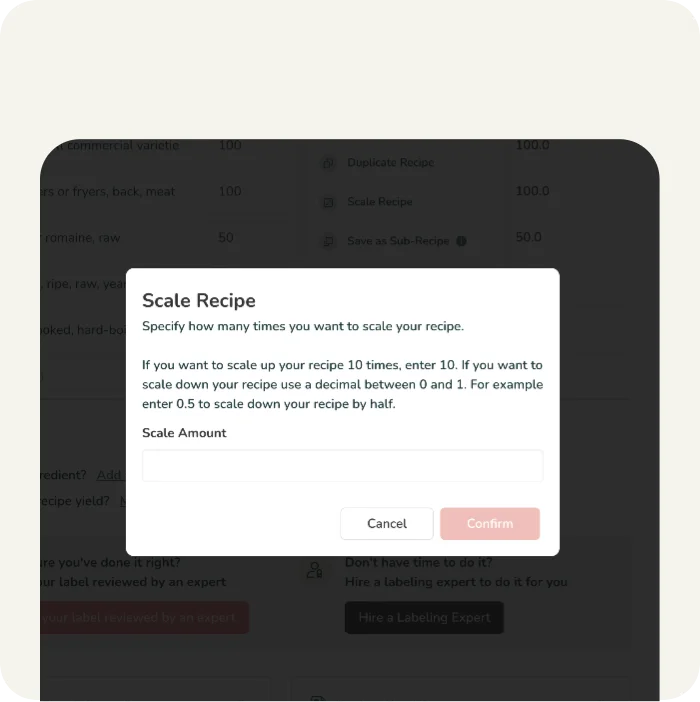
Recipe Scaling
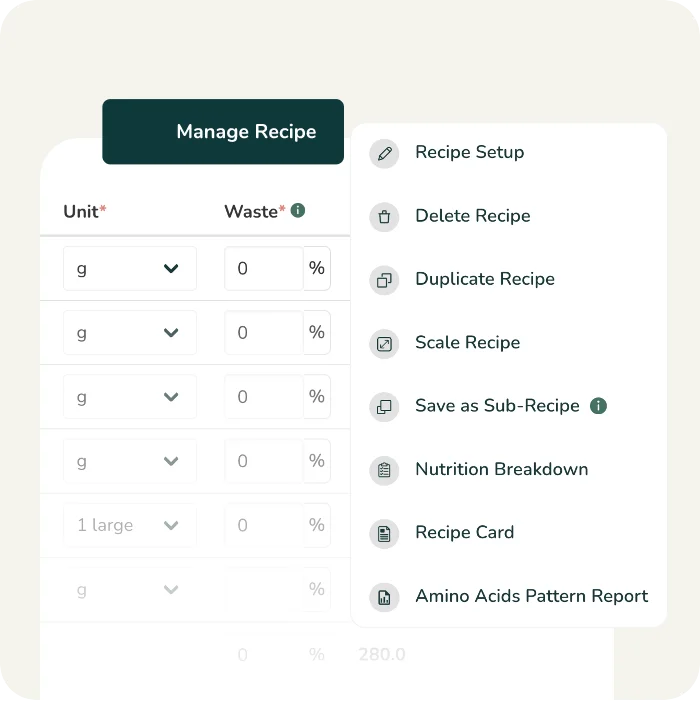
Recipe Management
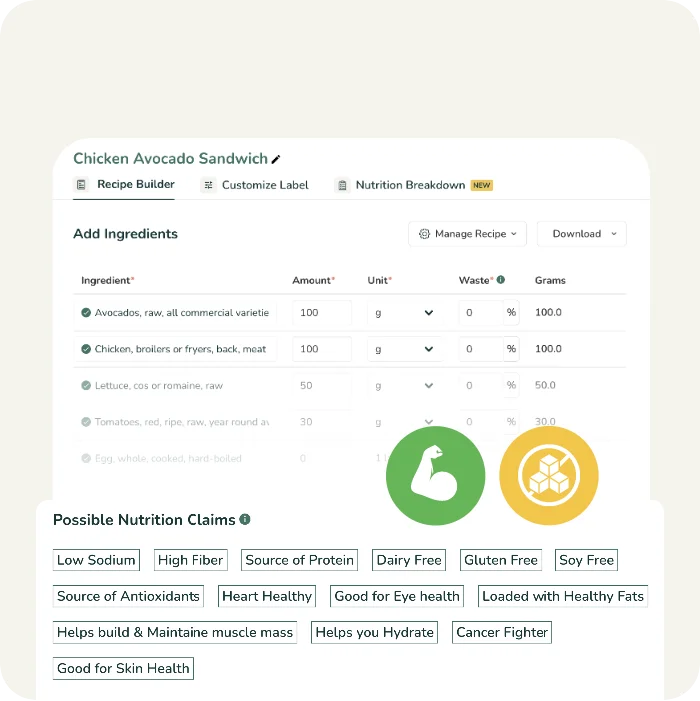
Suggested Nutrition & Marketing Claims
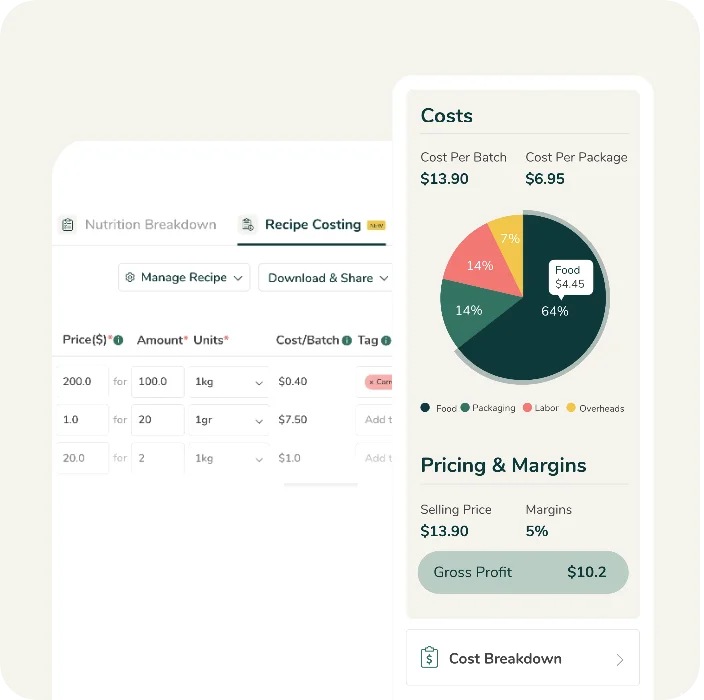
Recipe Costing
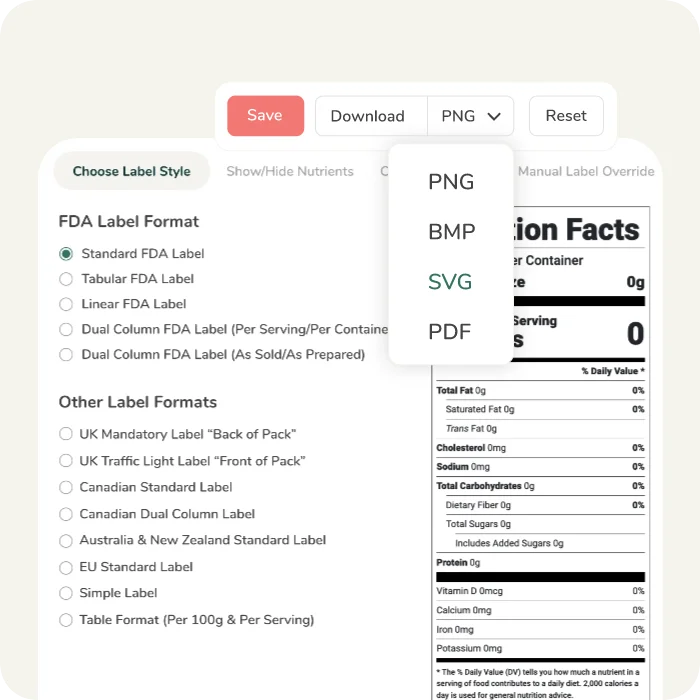
High Resolution Label Artwork exports
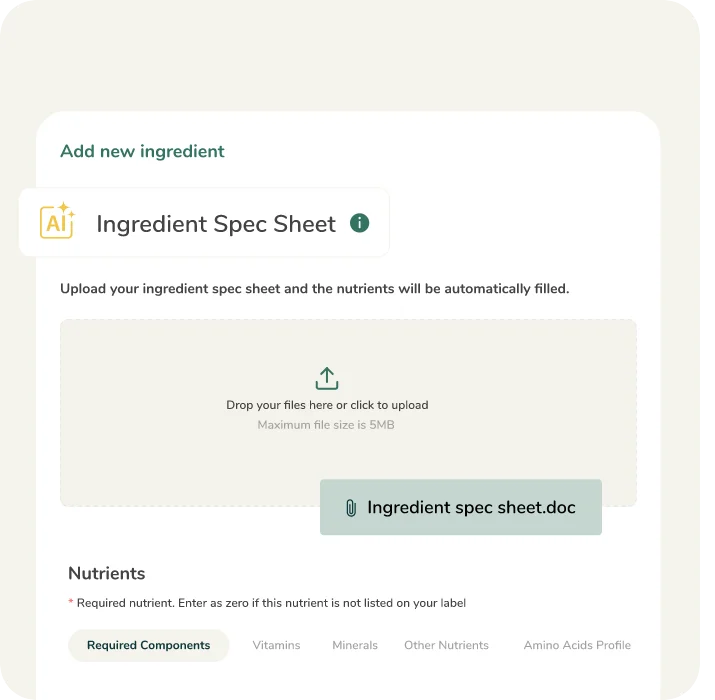
AI Enabled Spec Sheet Parsing
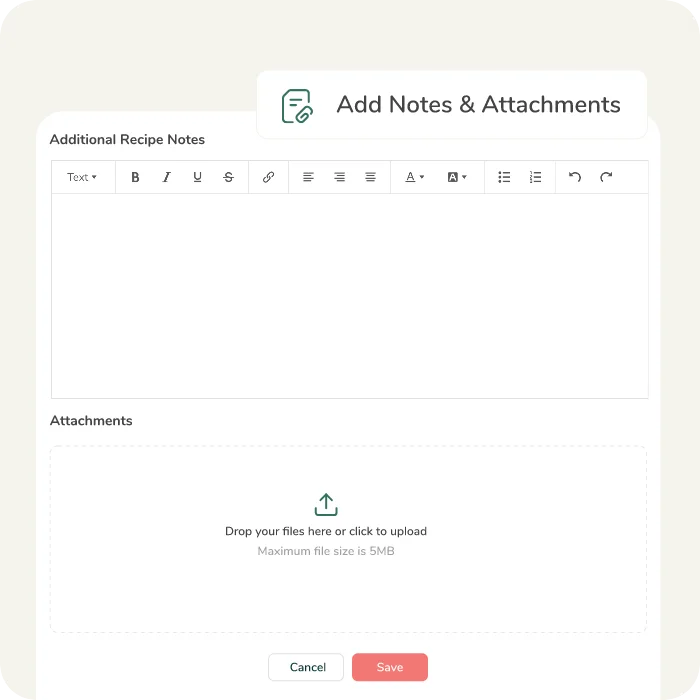
Notes & Attachments
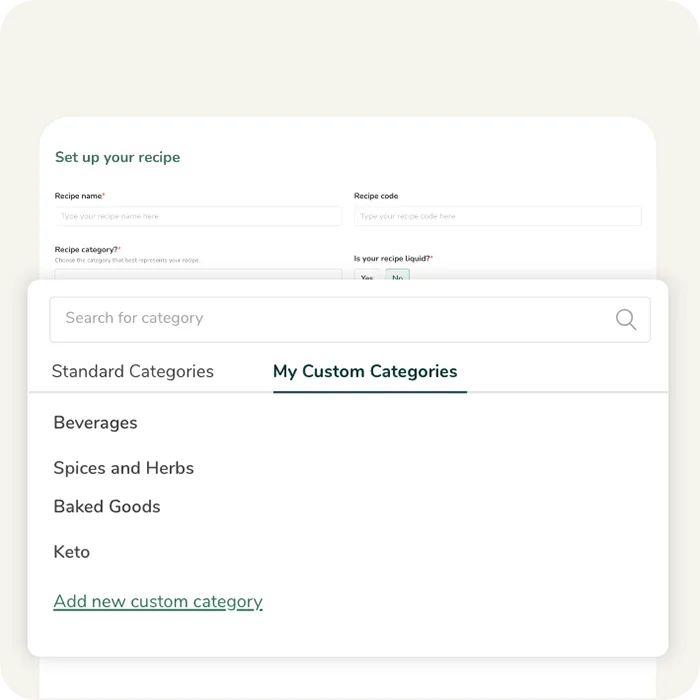
Custom Categories
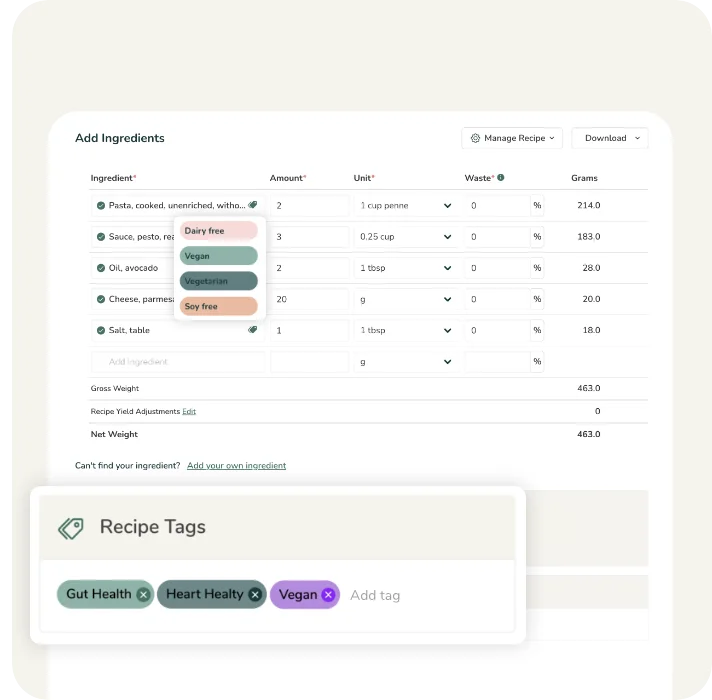
Ingredient & Recipe Tags
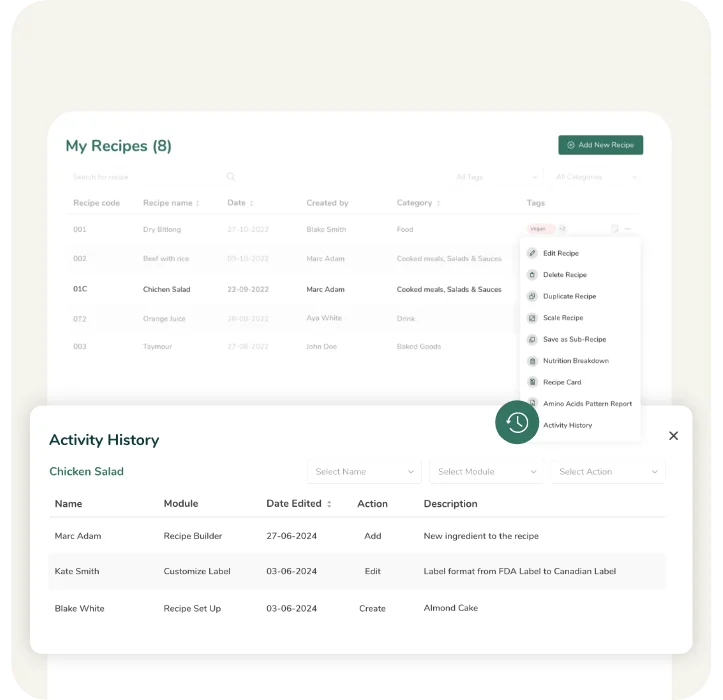
Ingredient & Recipe Activity History
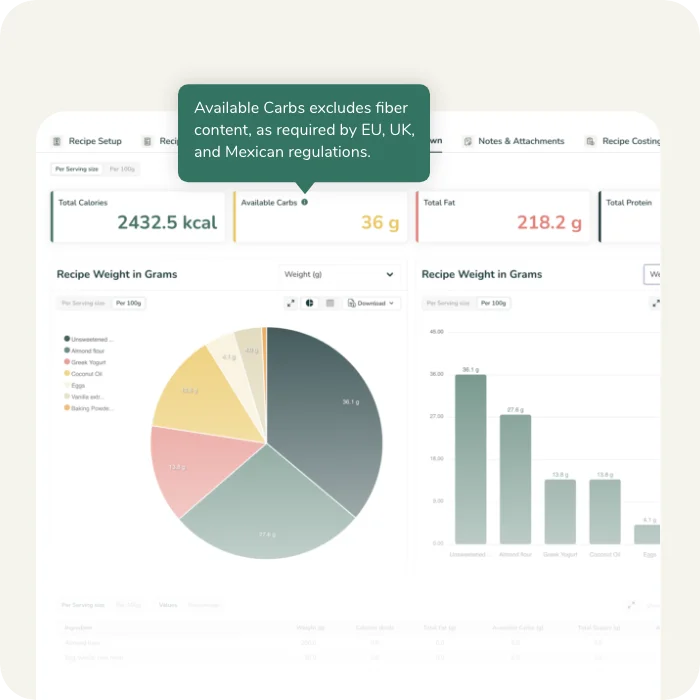
Available Carbohydrate Calculations
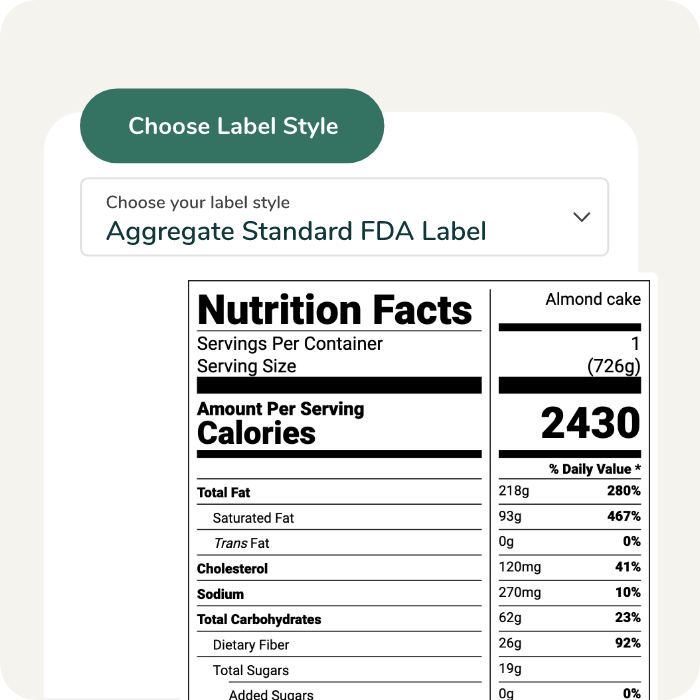
Aggregate Label Format
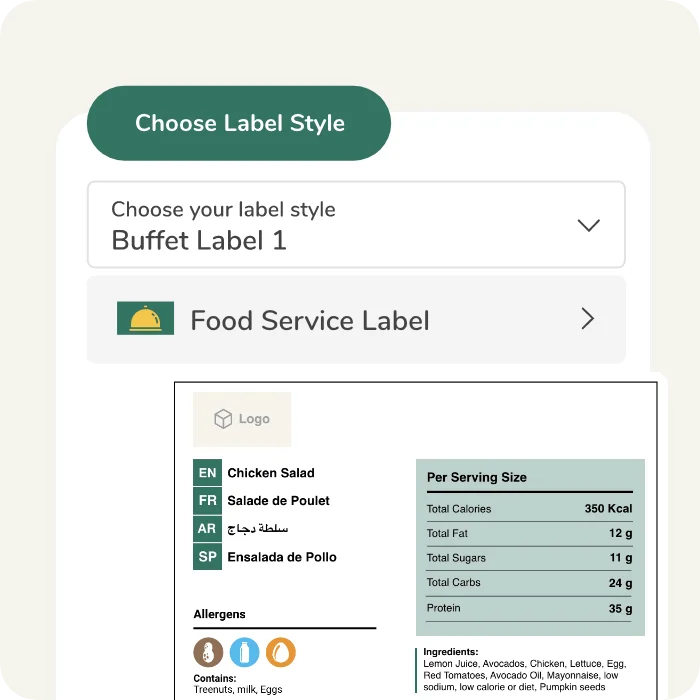
Buffet Label Format

Calculate %DV based on rounded or unrounded nutrient values.
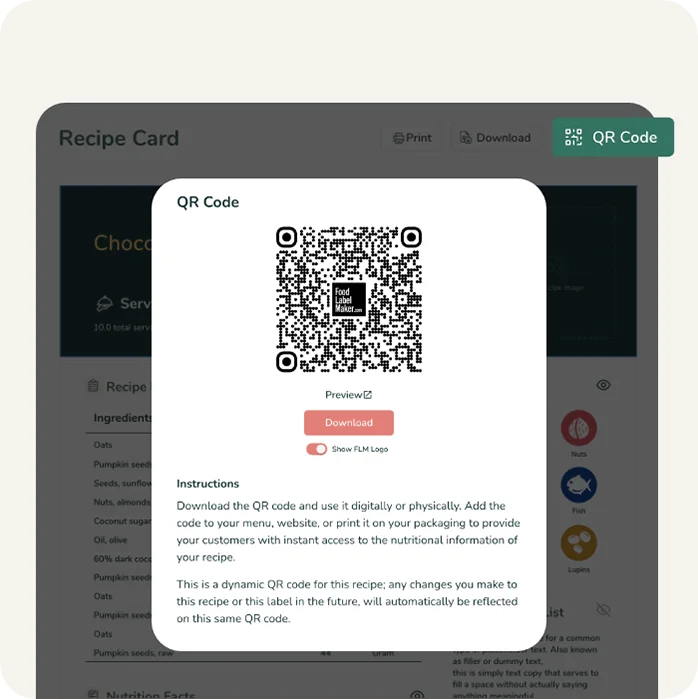
Share Your Recipe Card
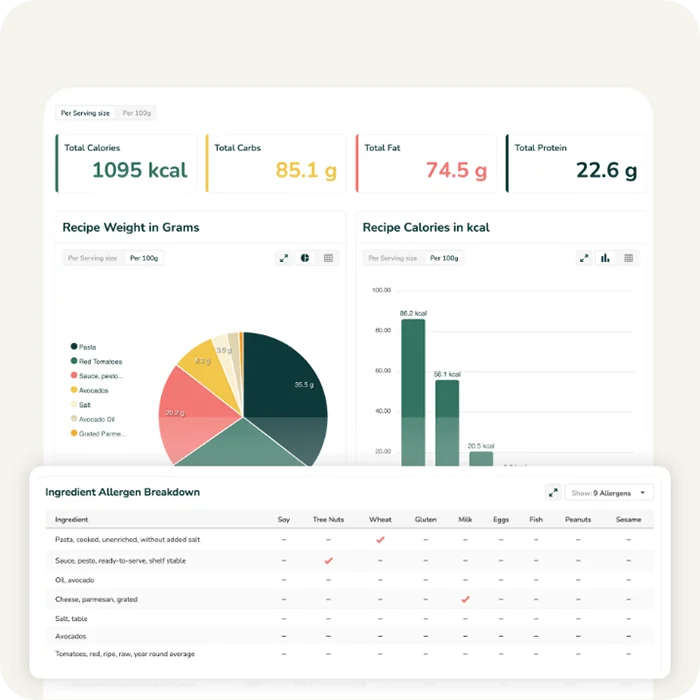
Allergen Breakdown Report
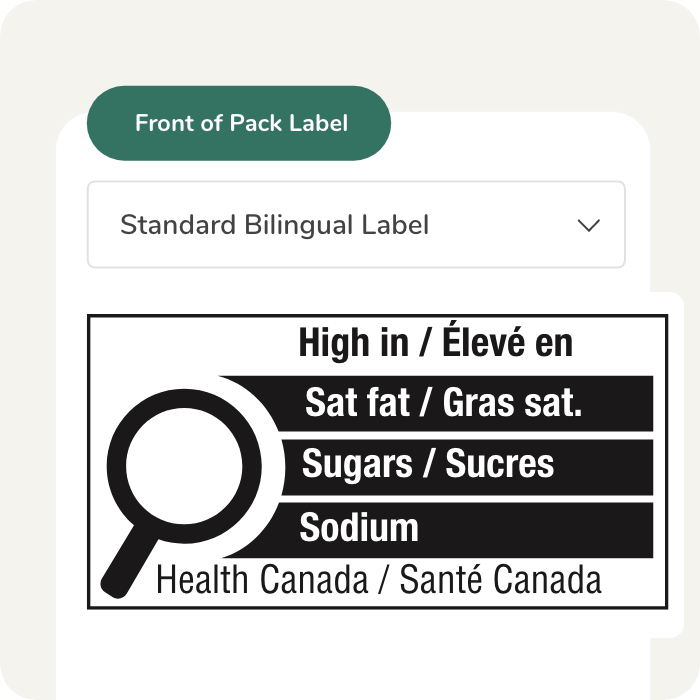
Canadian Front Of Pack Labelling
Go Further with our Pro Features

Recipe Yield Cooking Adjustments
Manually adjust your recipe yield to account for moisture loss due to cooking, drying, freezing…etc.

Sugar Alcohols Customization
Customize how you display Sugar Alcohol on your label if you are making a sugar alcohol-related claim.

Protein Quality Adjustment
Adjust your Protein quality score if you are making a protein related claim. Use Protein Digestibility Corrected Amino Acid Score (PDCAAS) to correct your protein daily value %.

Amino Acids Pattern Report
Compare your recipe’s Amino Acids pattern against the ideal Amino Acids Pattern as per the Report of Joint FAO/WHO Expert Consultation on Protien Quality Evaluation.
Tailor Your Account to Suit Your Needs

Custom API Integration
Tailor-made API calls to allow seamless integration of your platforms with our system, enhancing connectivity and efficiency.

Multi-seat subscriptions
Give your team access to the organization’s ingredients, recipes, and customizations with our multi-seat subscription.

Tailor Built Features & Reports
Build features, reports, customizations specifically to fit your team’s needs.

Hassle Free Data Migration
Relax as we handle the seamless migration of all your existing ingredient and recipe data into our tool, ensuring a smooth transition.
Nutrition Facts Label Making Process

FAQ
Yes, you can create your own Nutrition Facts table (NFt), but it must strictly adhere to the Health Canada regulations and the Food and Drugs Act. To start, you need an accurate breakdown of your recipe’s ingredients and their exact weights. Your label must include the mandatory “Core 13” nutrients (such as Calories, Fat, Saturated Fat, Trans Fat, Cholesterol, Sodium, Carbohydrate, Fibre, Sugars, Protein, Vitamin A, Vitamin C, Calcium, and Iron) based on the specific Serving Size or Reference Amount.
Using a specialized nutrition label maker ensures your formatting—including bilingual requirements (English and French), font sizes, and border thickness—meets Canadian standards.
The Canadian Food Inspection Agency (CFIA) is responsible for the enforcement of food labeling requirements. While they do not “approve” labels before they go to market, they conduct inspections and laboratory analysis to verify that the nutrient values on your packaging match the actual content of the food. If a label is found to be misleading or non-compliant with the Food and Drug Regulations, the CFIA can mandate corrections, product recalls, or issue fines.
Canada recently updated its labeling regulations to help consumers make more informed choices. Key features of the current format include:
- Increased Visibility: Calories and Serving Sizes are now bolder and have a larger font.
- Daily Value % for Sugars: A Daily Value (DV) of 100g has been established for total sugars, and the % DV must now be included on the label.
- Updated Nutrient List: Potassium has been added as a mandatory nutrient, while Vitamin A and Vitamin C are no longer required (though they can be added voluntarily).
- Milligram Requirements: The absolute amounts (mg) for vitamins and minerals must now be listed, not just the % DV.
- New Footnote: A footnote at the bottom explains that “5% or less is a little, 15% or more is a lot.”
- Grouped Ingredients: In the ingredient list, sugar-based ingredients must now be grouped together in parentheses after the name “Sugars.”
Verifying your labels involves ensuring both data accuracy and regulatory compliance:
- Recipe Analysis: Calculate the total weight of the recipe and the weight loss/gain during cooking.
- Nutrient Calculation: Use validated databases (like the Canadian Nutrient File) or software to determine the nutritional profile per serving.
- Reference Amount Determination: Ensure your serving size is based on the CFIA’s “Reference Amounts,” which are the quantities typically consumed in one sitting.
- Bilingual Compliance: In Canada, Nutrition Facts and ingredient lists must be presented in both English and French.
- Front-of-Package (FOP) Warning Symbols: Determine if your product requires the new mandatory “High In” (saturated fat, sugars, or sodium) magnifying glass symbol.
- Bilingual Integration: Automatically generates the required English and French text in the correct side-by-side or stacked format.
- Compliance with CFIA & Health Canada: The software stays updated with the latest 2022/2023 transition rules, ensuring your templates use the correct fonts, leading, and rules (lines).
- FOP Triggering: Advanced tools will automatically notify you if your product requires the new Front-of-Package nutrition symbol based on the threshold of saturated fat, sugars, or sodium.
- Database Accuracy: Access to the Canadian Nutrient File (CNF) ensures the data used is reflective of the Canadian food supply.