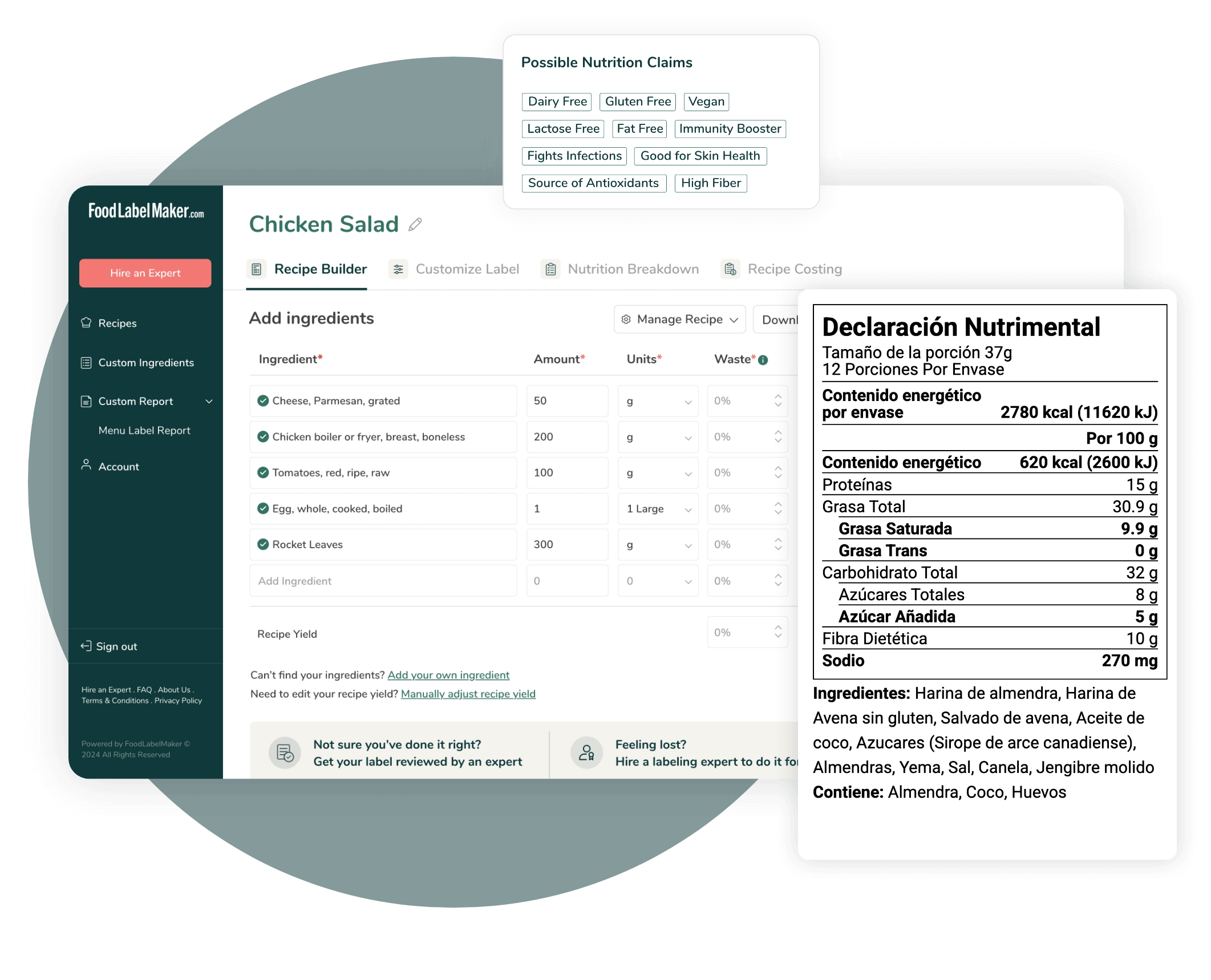
Easy and Compliant Nutrition Label Software
Developed by certified nutritionists, Food Label Maker provides user-friendly software that generates 100% regulatory-compliant nutrition facts labels.
We offer:
- Accurate nutrition analysis
- Customizable label formats and features
- Comprehensive menu and recipe management
- World-class customer support
Our Features
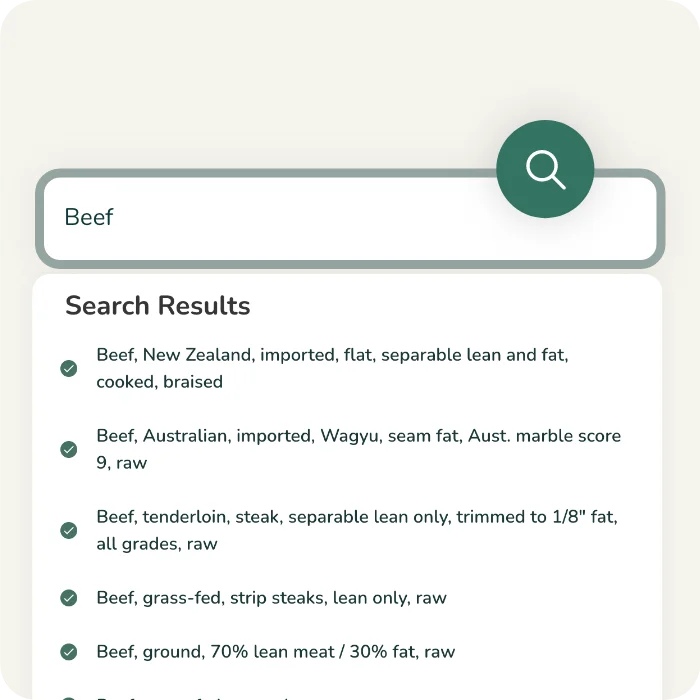
Verified Ingredient Database
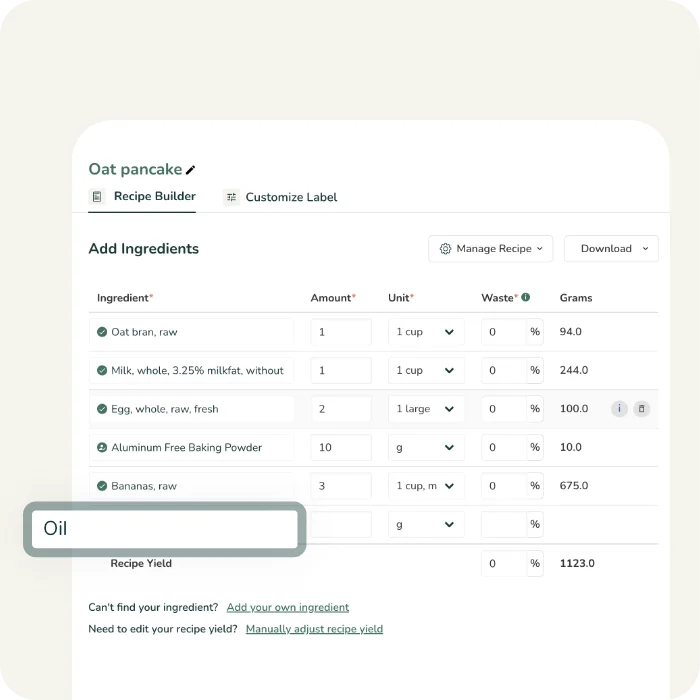
Simple Recipe Builder
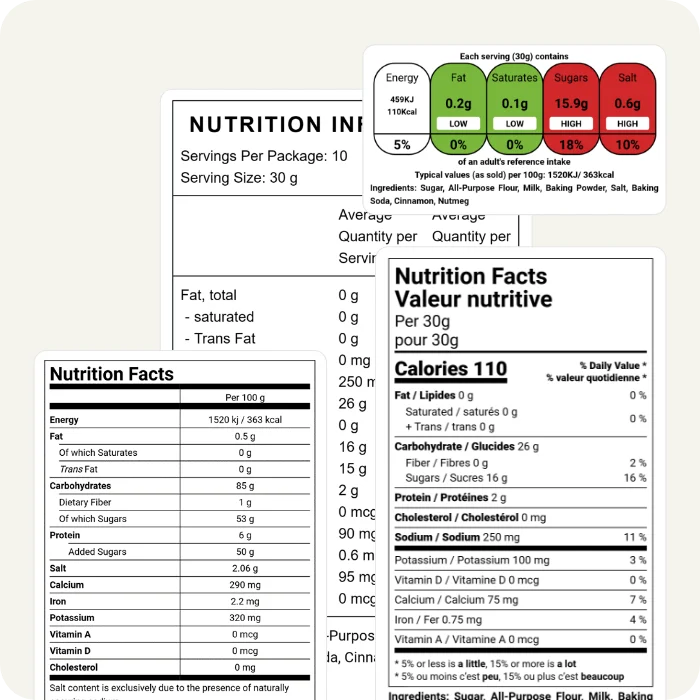
Market-Compliant Labels
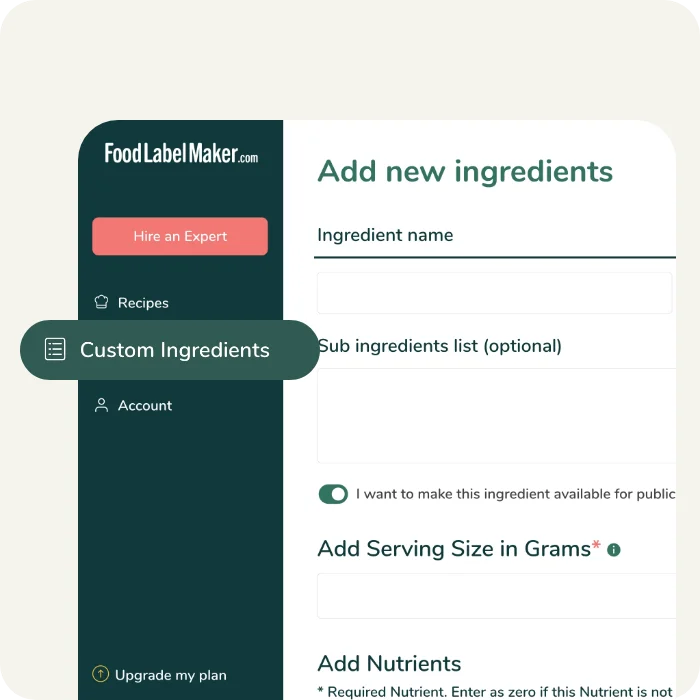
Add Custom Ingredients
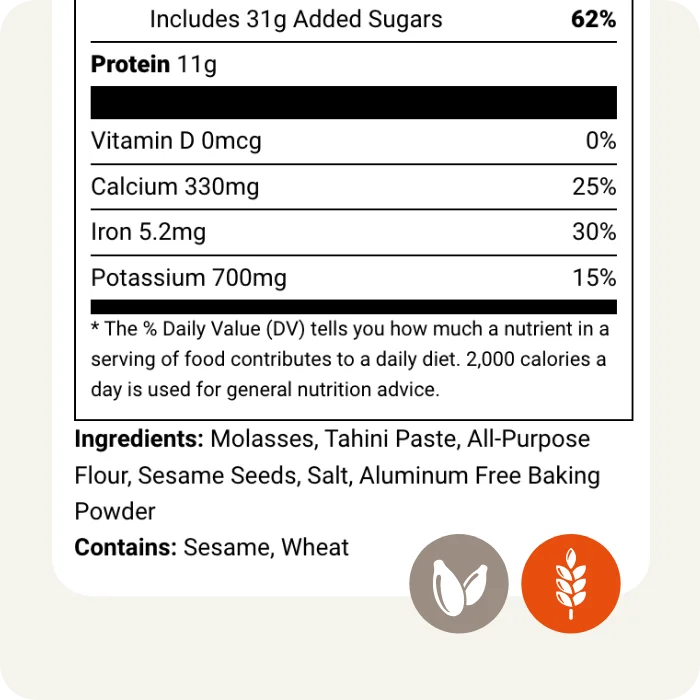
Automated Allergen Detection
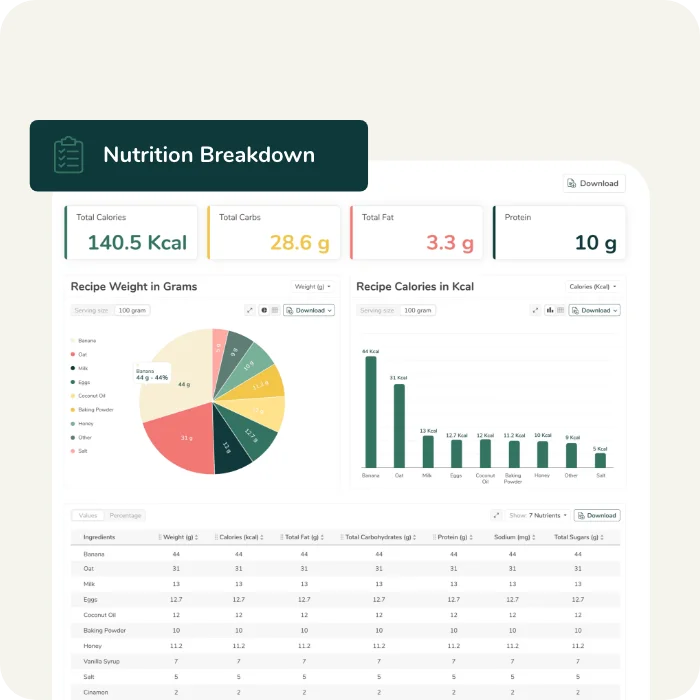
Detailed Nutrition Breakdown
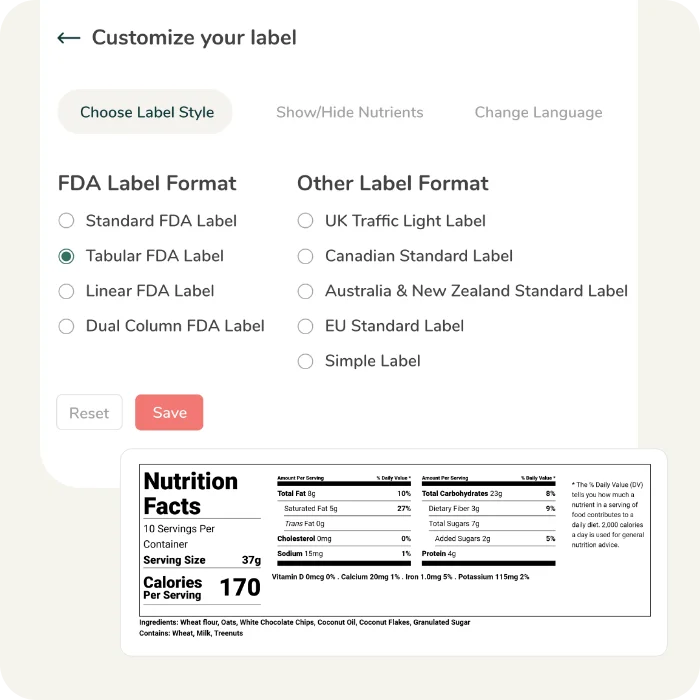
Multiple Label Styles & Formats
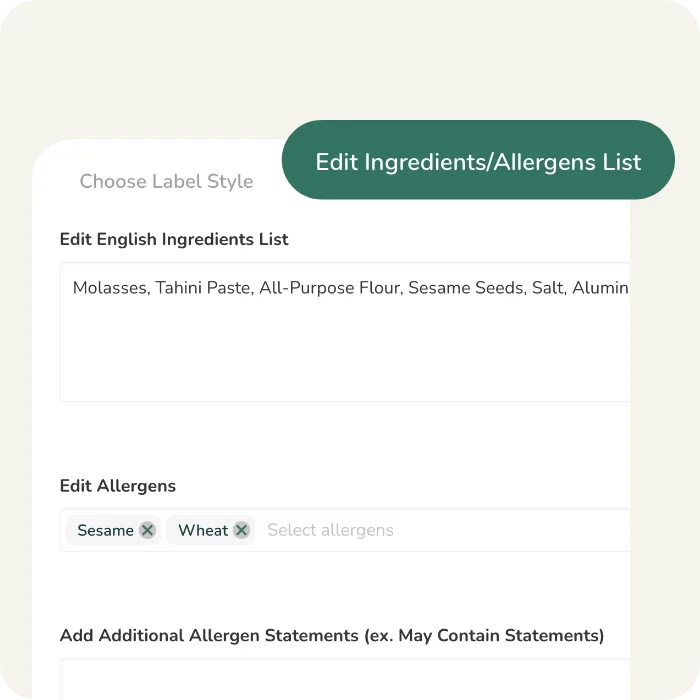
Editable Ingredient statement
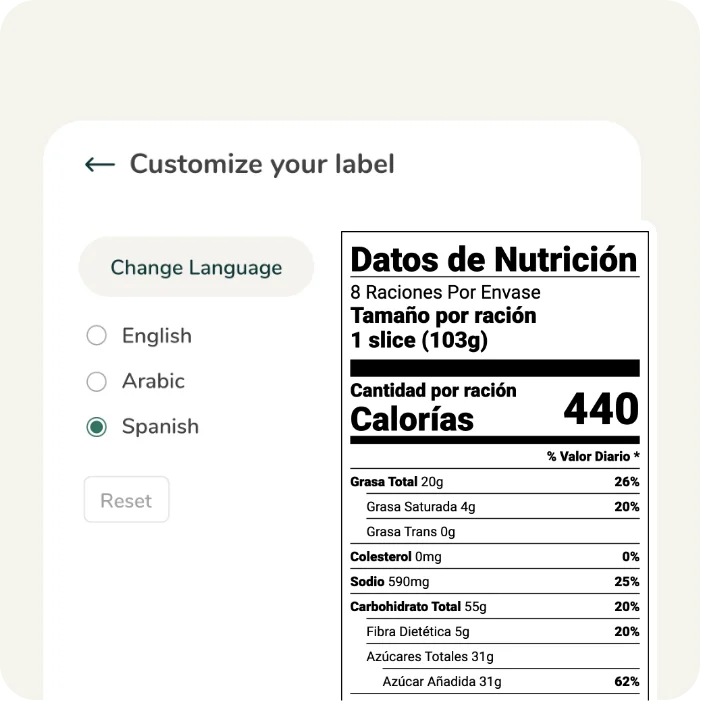
Built-In Language Translation
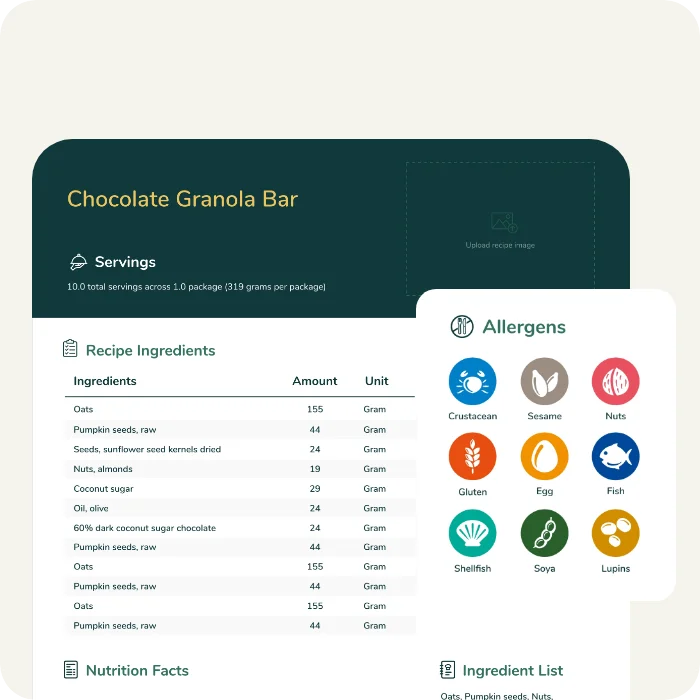
Comprehensive Recipe Cards
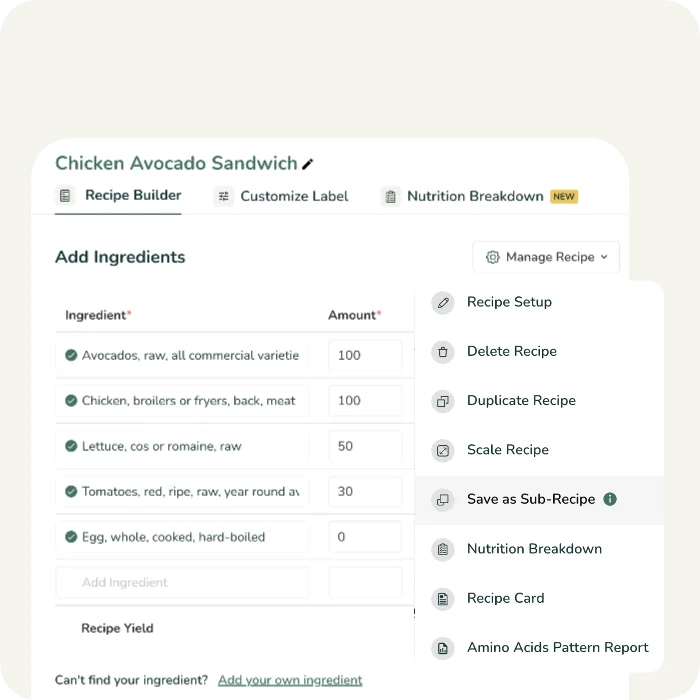
Sub-Recipe Builder
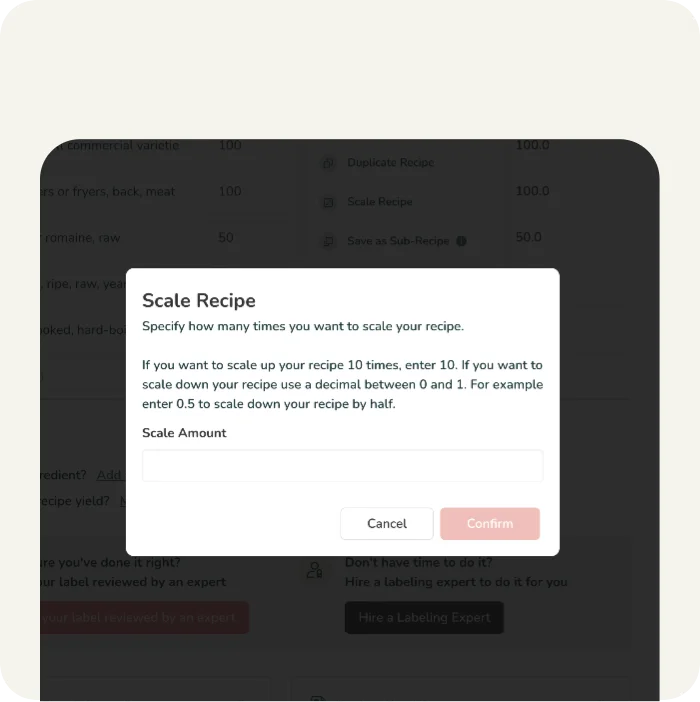
Recipe Scaling
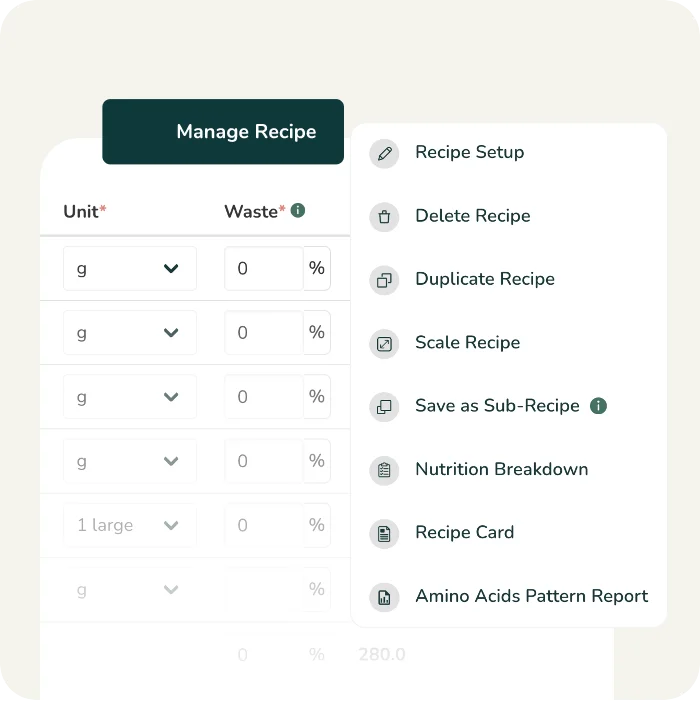
Recipe Management
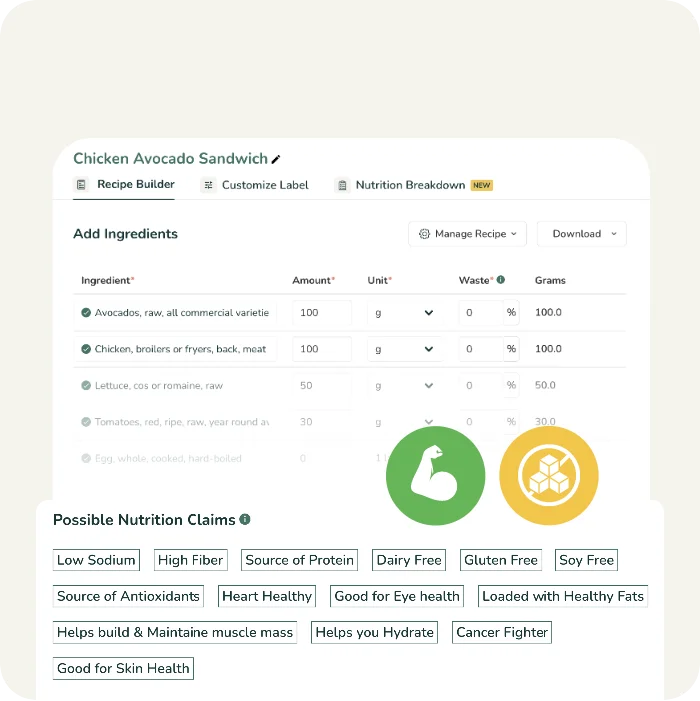
Suggested Nutrition & Marketing Claims
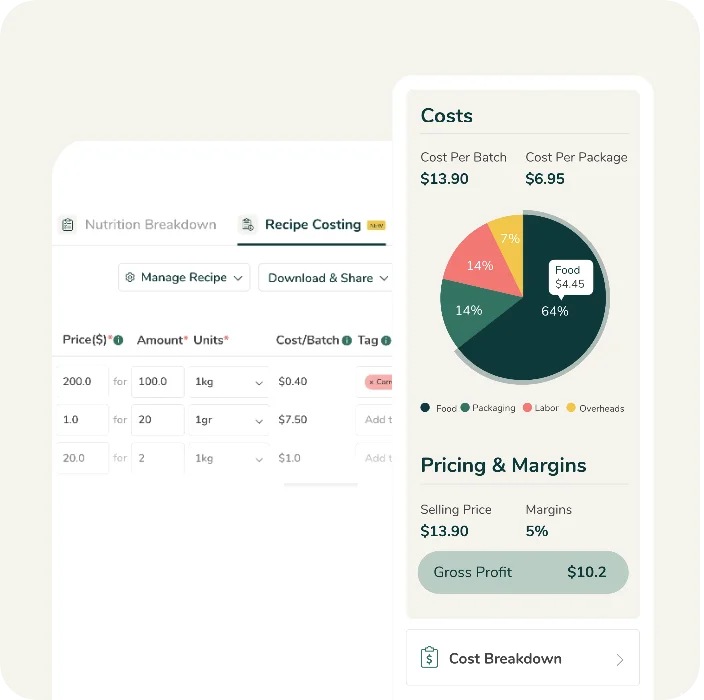
Recipe Costing
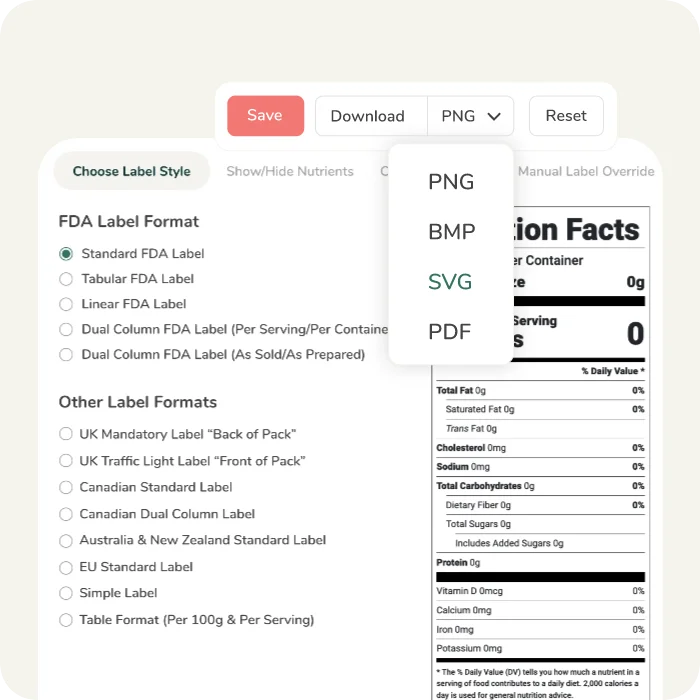
High Resolution Label Artwork exports
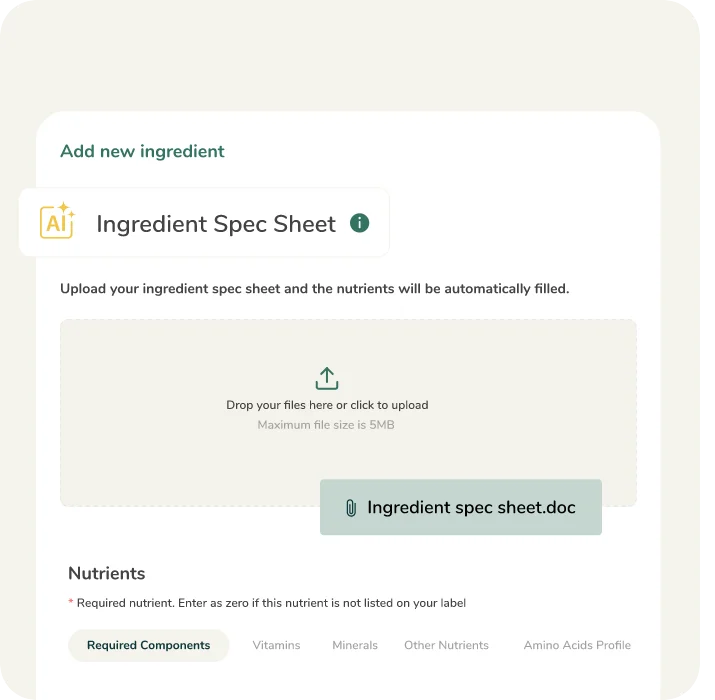
AI Enabled Spec Sheet Parsing
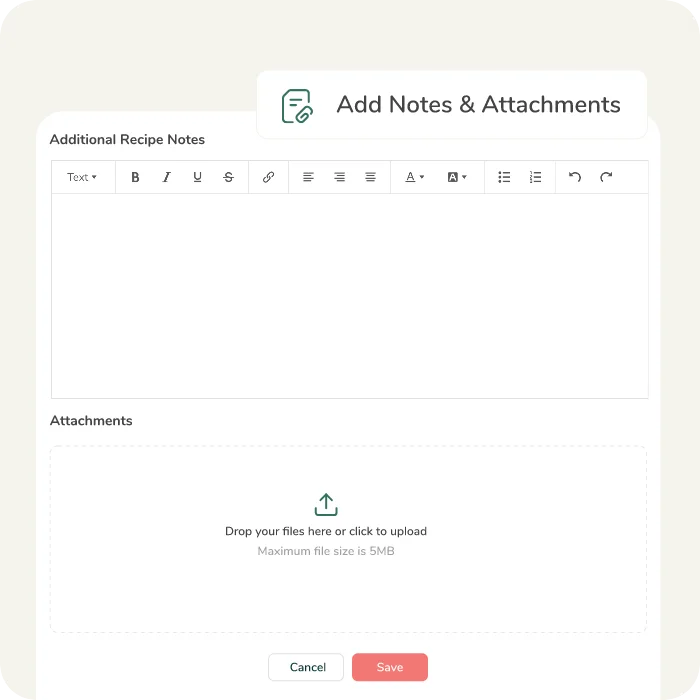
Notes & Attachments
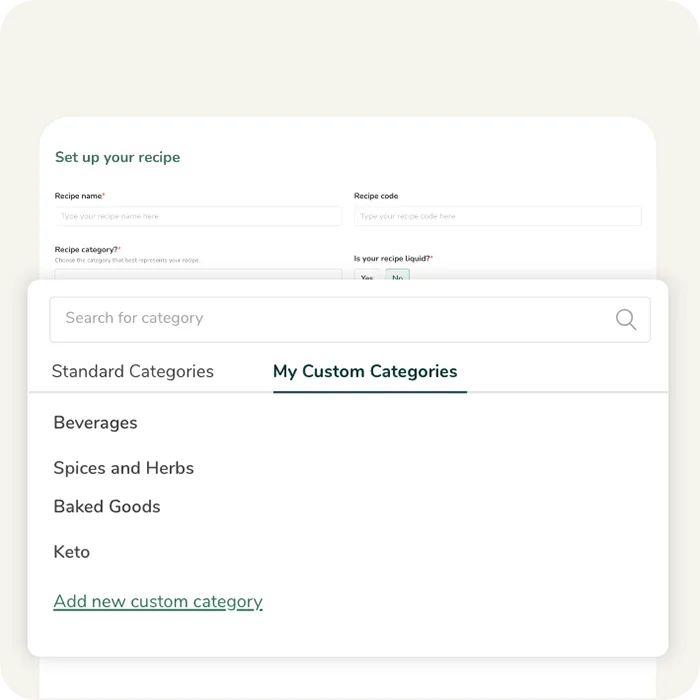
Custom Categories
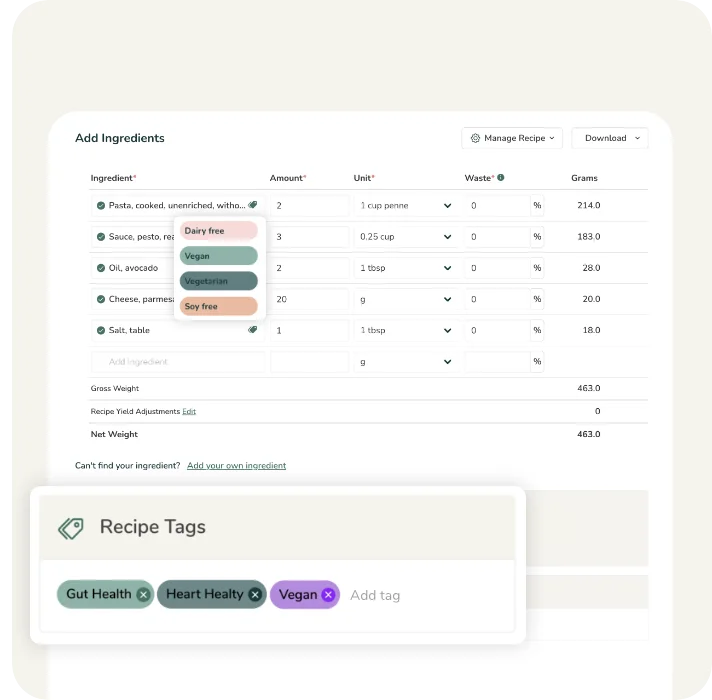
Ingredient & Recipe Tags
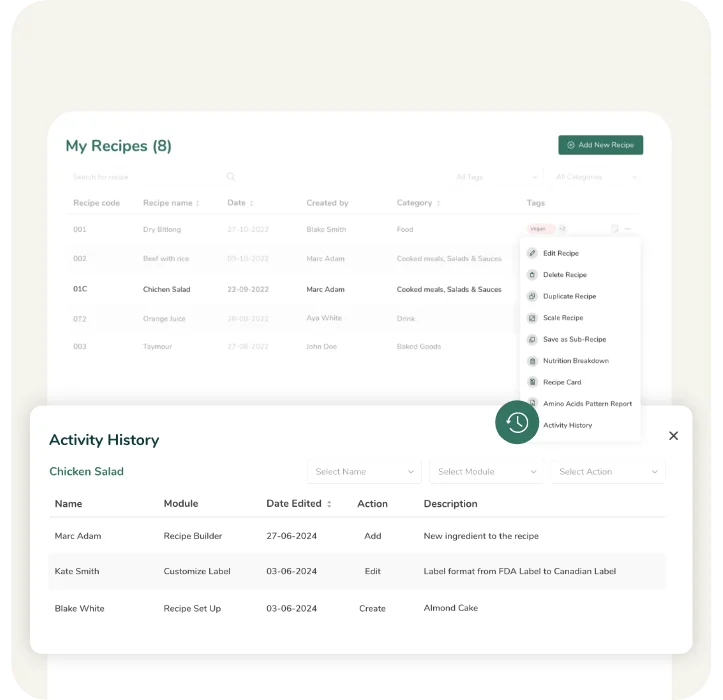
Ingredient & Recipe Activity History
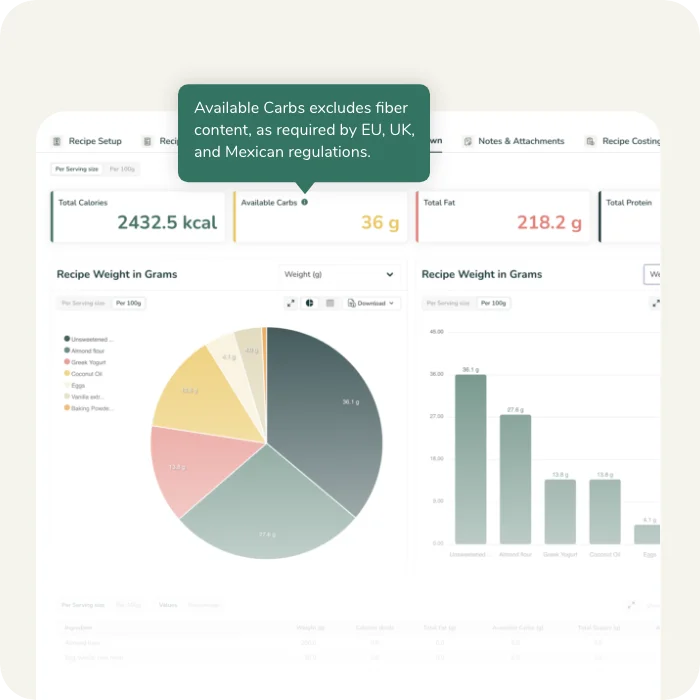
Available Carbohydrate Calculations
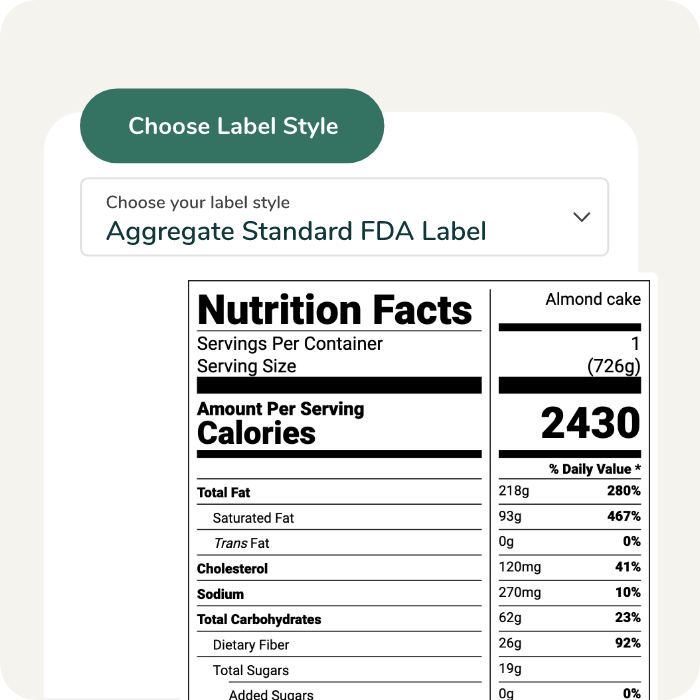
Aggregate Label Format
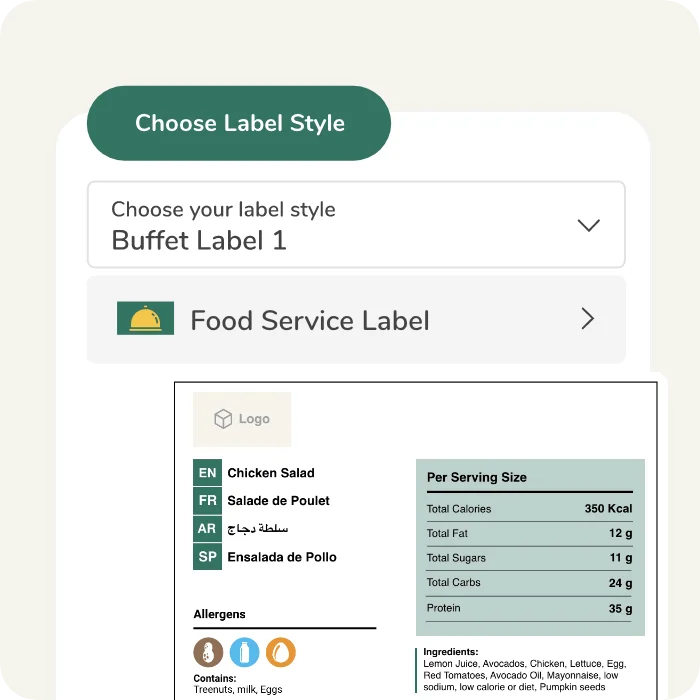
Buffet Label Format

Calculate %DV based on rounded or unrounded nutrient values.
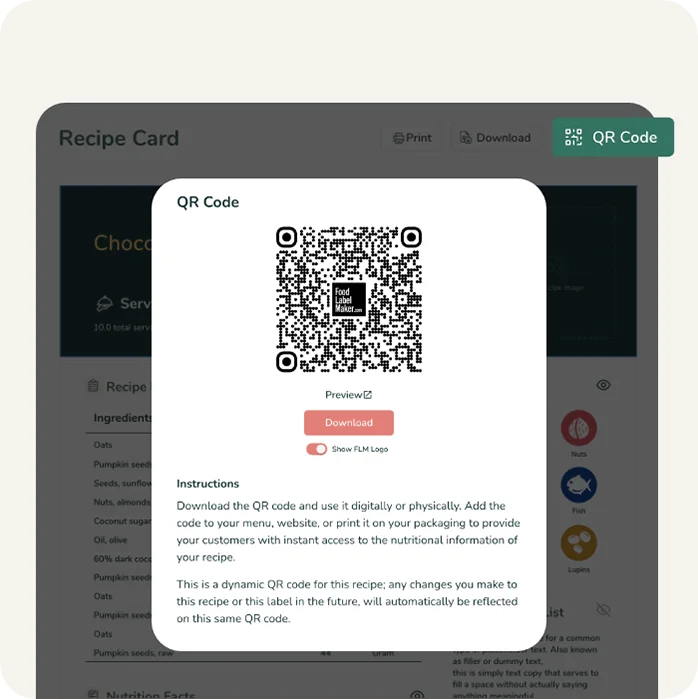
Share Your Recipe Card
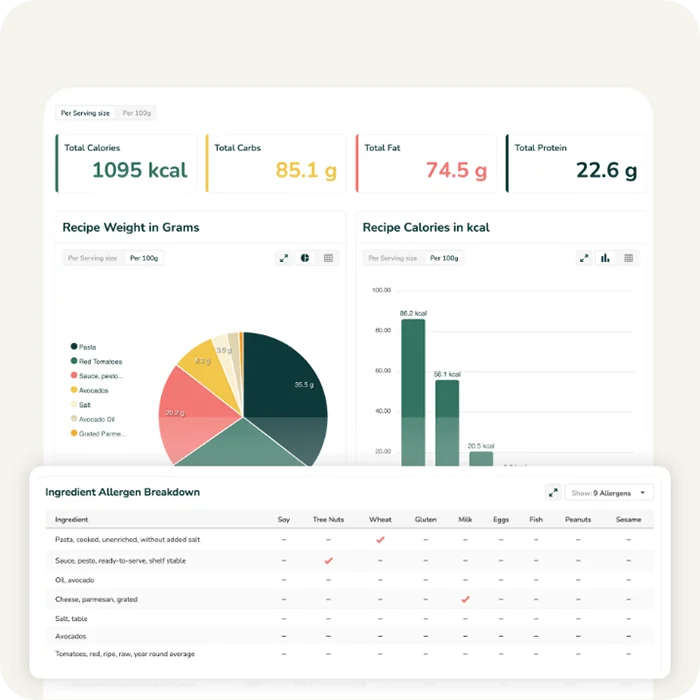
Allergen Breakdown Report
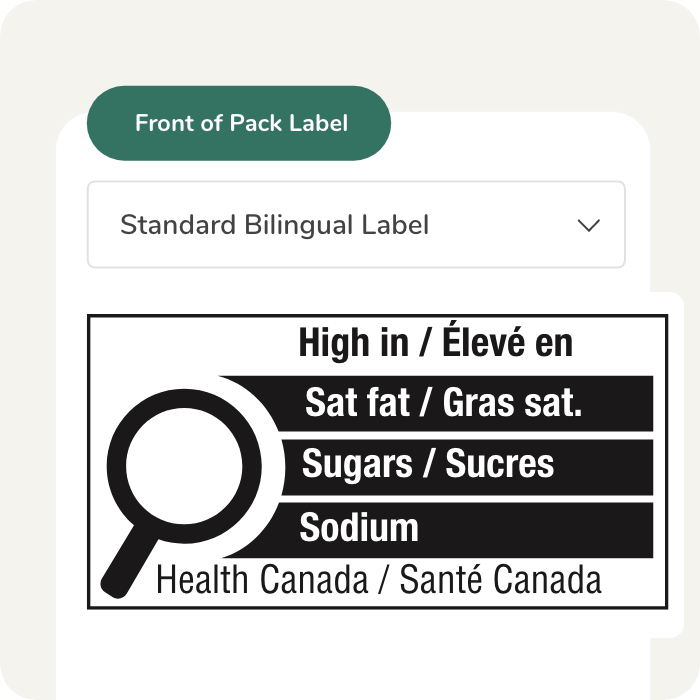
Canadian Front Of Pack Labelling
Go Further with our Pro Features

Recipe Yield Cooking Adjustments
Manually adjust your recipe yield to account for moisture loss due to cooking, drying, freezing…etc.

Sugar Alcohols Customization
Customize how you display Sugar Alcohol on your label if you are making a sugar alcohol-related claim.

Protein Quality Adjustment
Adjust your Protein quality score if you are making a protein related claim. Use Protein Digestibility Corrected Amino Acid Score (PDCAAS) to correct your protein daily value %.

Amino Acids Pattern Report
Compare your recipe’s Amino Acids pattern against the ideal Amino Acids Pattern as per the Report of Joint FAO/WHO Expert Consultation on Protien Quality Evaluation.
Tailor Your Account to Suit Your Needs

Custom API Integration
Tailor-made API calls to allow seamless integration of your platforms with our system, enhancing connectivity and efficiency.

Multi-seat subscriptions
Give your team access to the organization’s ingredients, recipes, and customizations with our multi-seat subscription.

Tailor Built Features & Reports
Build features, reports, customizations specifically to fit your team’s needs.

Hassle Free Data Migration
Relax as we handle the seamless migration of all your existing ingredient and recipe data into our tool, ensuring a smooth transition.
Nutrition Facts Label Making Process

FAQ
Yes, but it must strictly follow the NOM-051 standard. Unlike the US system, Mexico requires nutritional values to be declared based on a standard 100g or 100ml basis, rather than just per serving. You must gather precise data for energy (calories), proteins, fats (saturated and trans), carbohydrates, and specifically “Added Sugars” (Azúcares Añadidos). Because of the complex “Warning Seal” (Sello) logic, using specialized software is highly recommended to ensure you don’t miss mandatory front-of-pack warnings.
In Mexico, COFEPRIS (Federal Commission for Protection against Sanitary Risks) and the Secretariat of Economy are responsible for enforcing labeling laws. While they don’t pre-approve every label, they conduct frequent market surveillance. Non-compliance—such as missing warning seals or using prohibited marketing elements like mascots on unhealthy products—can result in heavy fines, product seizures, and the forced removal of your stock from retail shelves.
The Mexican labeling system is designed for “at-a-glance” health information. Key requirements include:
- Front-of-Pack Warning Seals: Black octagonal seals must be displayed if the product exceeds thresholds for Calories, Sugars, Sodium, Saturated Fat, or Trans Fat.
- Cautionary Legends: Products containing caffeine or sweeteners must feature rectangular legends stating they are “Not recommended for children.”
- Marketing Restrictions: If a product has even one warning seal, it is prohibited from featuring “persuasive elements” like cartoon characters, mascots, celebrities, or interactive games on the packaging.
- 100g/100ml Standardization: All nutritional values must be listed per 100g or 100ml to allow consumers to easily compare different products.
- Ingredient Grouping: All added sugars must be grouped together in the ingredients list under the term “Azúcares añadidos.”
Verification for Mexico requires a dual-step process:
- Standardized Calculation: Convert your recipe data into a 100g/100ml format.
- Threshold Analysis: Check your levels of sodium, sugar, and fats against the Phase 2 (current) or Phase 3 (upcoming) NOM-051 limits to determine which warning seals are required.
- Language & Formatting: Ensure all information is in Spanish (even if you have a multi-language label) and meets the specific font and contrast requirements set by the Mexican government.
- Verification Units (UVA): Many businesses use an accredited “Unidad de Verificación” (Verification Unit) to issue a “Constancia” or “Dictamen,” which are documents that prove the label complies with NOM-051.
- Automatic Seal Calculation: The software automatically calculates if your product triggers the “Exceso Calorías,” “Exceso Sodio,” or other seals based on current NOM-051 thresholds.
- Mascot & Claim Compliance: Our tool alerts you if your product is ineligible for nutritional claims or characters based on its nutrient profile.
- Bilingual Capability: Easily generate the mandatory Spanish “Declaración Nutrimental” while maintaining secondary languages for export.
- Template Accuracy: Ensure your octagons are the correct size and placed in the mandatory upper-right corner of the front panel.
- Up-to-Date with Phases: NOM-051 is implemented in phases (Phase 3 begins soon). A SaaS tool ensures your labels stay compliant as thresholds get stricter over time.